
The HDR technique is very useful to overcome the limitations in dynamic range of digital cameras. Scenes like sunsets or sunrises as well as night photography with artificial light sources in cities are a huge challenge to today’s cameras and HDR is one way to deal with this challenge. But on the other hand HDR has also been subject to a lot of criticism because the results can be unrealistic and a lot of people tend to exaggerate the HDR effect, making the photograph look more like a painting than a photograph. This is where Exposure Fusion enters the game. In this post I will introduce you to the concept of Exposure Fusion and give you an insight on how I use this technique to create some of my photos.

What’s the difference between HDR and Exposure Fusion?
First let’s talk about the technical differences between Exposure Fusion and HDR. Both techniques aim to deal with the limited dynamic range of today’s cameras by combining different exposures of the same scene (a so called exposure bracketing). But while HDR combines the different exposures to a single HDR file (32 bit color depth) with infinite dynamic range which then has to be tone mapped in order to fit the huge dynamic range into a single standard image file that can be printed or displayed on ordinary monitors Exposures Fusion directly creates a displayable image file (16 or even 8 bit). And while tone mapping often includes increasing local contrast, sharpening and other techniques which create the typical HDR look Exposure Fusion solely focuses on the exposure merging process without any other adjustments.
Software (CLI vs. Graphical interface)
Before we talk about the advantages and shortcomings of Exposure Fusion I’d like to introduce a few programs that you can use for this technique. Despite the fact that Exposure Fusion has been around for years now it has not been adopted by most developers of HDR software. It’s still kind of a niche technique. Nonetheless there are a few options out there. For example I’ve got good news for the users of the most prominent HDR software out there, Photomatix. In Photomatix the Exposure Fusion technique is available as a tone mapping alternative. What’s more there is a plugin for Lightroom called enfuse which is donation ware (you can pay whatever you like to unlock the full version).
While the above mentioned programs are probably the most widely known ones there are also a few solutions specifically dedicated to Exposure Fusion. Since it is still a niche technique there are several “home grown” solutions by hobbyist developers that work on the command line interface. An example for such a command line tool would be enfuse which is open source and also constitutes the base for the Lightroom plugin. Another (free) command line utility is TuFuse by Tabaware.
But if you’re like me and don’t like to process your exposure bracketing by entering cryptic commands on a command line interface there are also some Exposure Fusion programs available that come with a graphical interface. For example there is Enfuse Gui which acts as a front end for the enfuse command line utility. It’s also free and open source so you could give this one a try. But the tool of my choice is TuFusePro which is commercial software, costs you 29.35 Euro and is a front end for the TuFuse command line tool by the same developer.
Please be aware that this list is by no means exhaustive. It’s just a quick overview based on what I’ve been able to dig up by running a few web searches.
Advantages of Exposure Fusion
Now what are the advantages of Exposure Fusion over HDR?
- The results tend to be more realistic.
- The process is quicker since you don’t have to create a 32 bit image that then needs to be tone mapped.
- The results seem to be much more predictable.
- In my experience Exposures Fusion is less likely to produce the dreaded ghosting.
Disadvantages
Of course where there is light there are also shadows.
- Exposure Fusion seems to struggle with very high dynamic range, very often you will still find some pure black and pure white areas in your photograph which you then have to manually correct in image editing.
- If there is some ghosting there is not much you can do about it since the mentioned programs usually don’t offer a ghosting removal option (with exception of Photomatix which comes with a very good ghosting removal tool).
- Since Exposures Fusion does not offer any sharpening or other editing tools you will have to do all that later in and image editor.
- While most HDR programs are developed by well-known companies, are frequently updated and you can expect some level of support in case of problems this is not the case with most Exposure Fusion tools. For example the tool of my choice, TuFusePro, was last updated in 2008.
My experience
My personal experience with Exposure Fusion has been very positive so far. It does an outstanding job in creating realistic results and is fairly easy to use. Usually I work with 16 bit Tiff files which I load into the Exposure Fusion software, either Photomatix or TuFusePro. Which one I use depends on the scene and particularly on how much movement is in the images. Since Photomatix offers very good ghosting reduction it’s the tool of my choice for photos with lots of movement whereas TuFusPro is the preferred tool for static images.
Like mentioned above Exposure Fusion sometimes struggles to correctly expose very bright and very dark areas. This means that in order to fix those ares it’s necessary to manually brush in the correct exposure in image editing. But because the Exposure Fusion process does not introduce any sharpening or local contrast adjustments it is fairly easy to blend in the corrections using a layer mask. Personally I work with Afffinity Photo but any decent image editor will do.
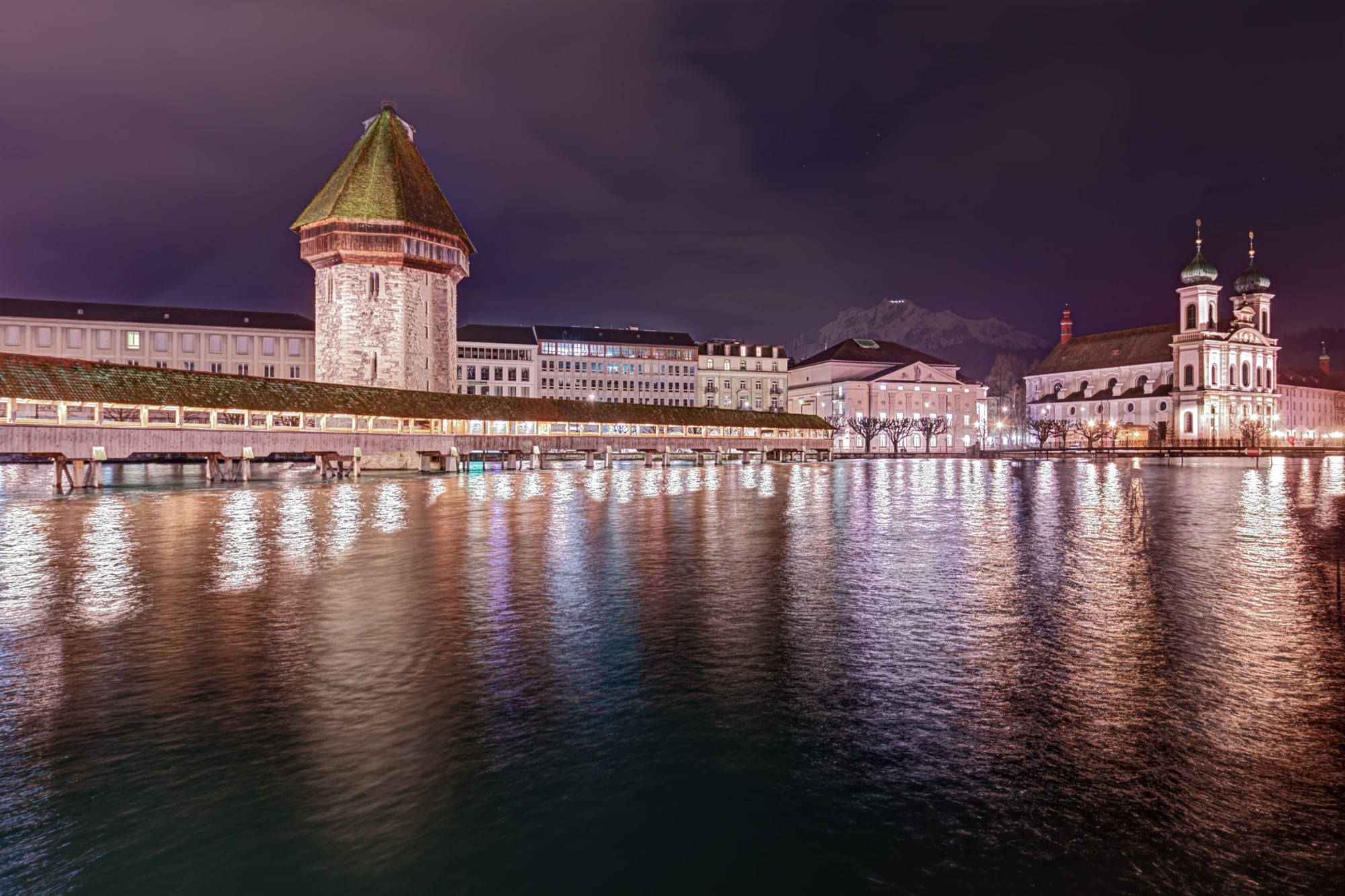
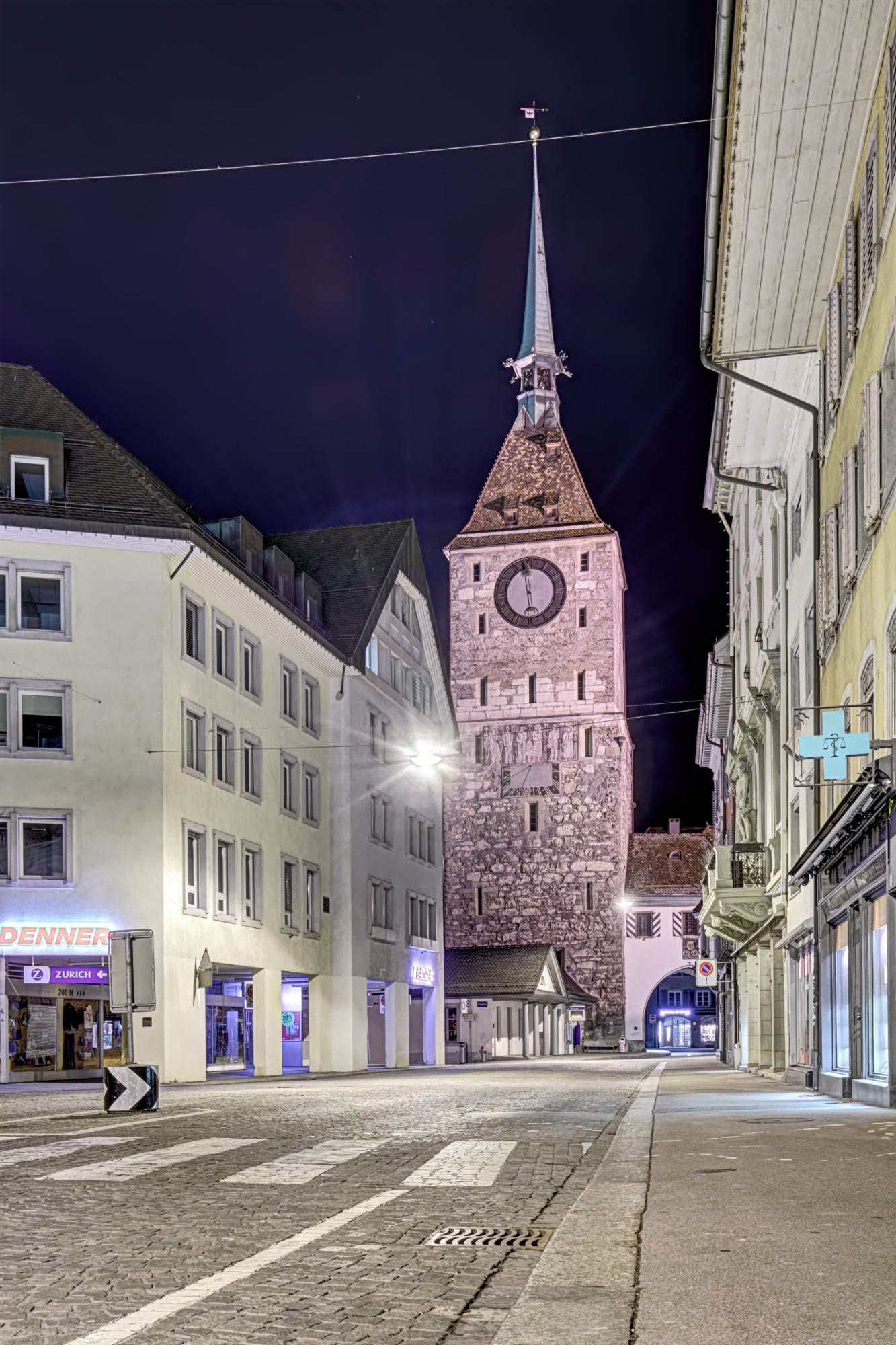
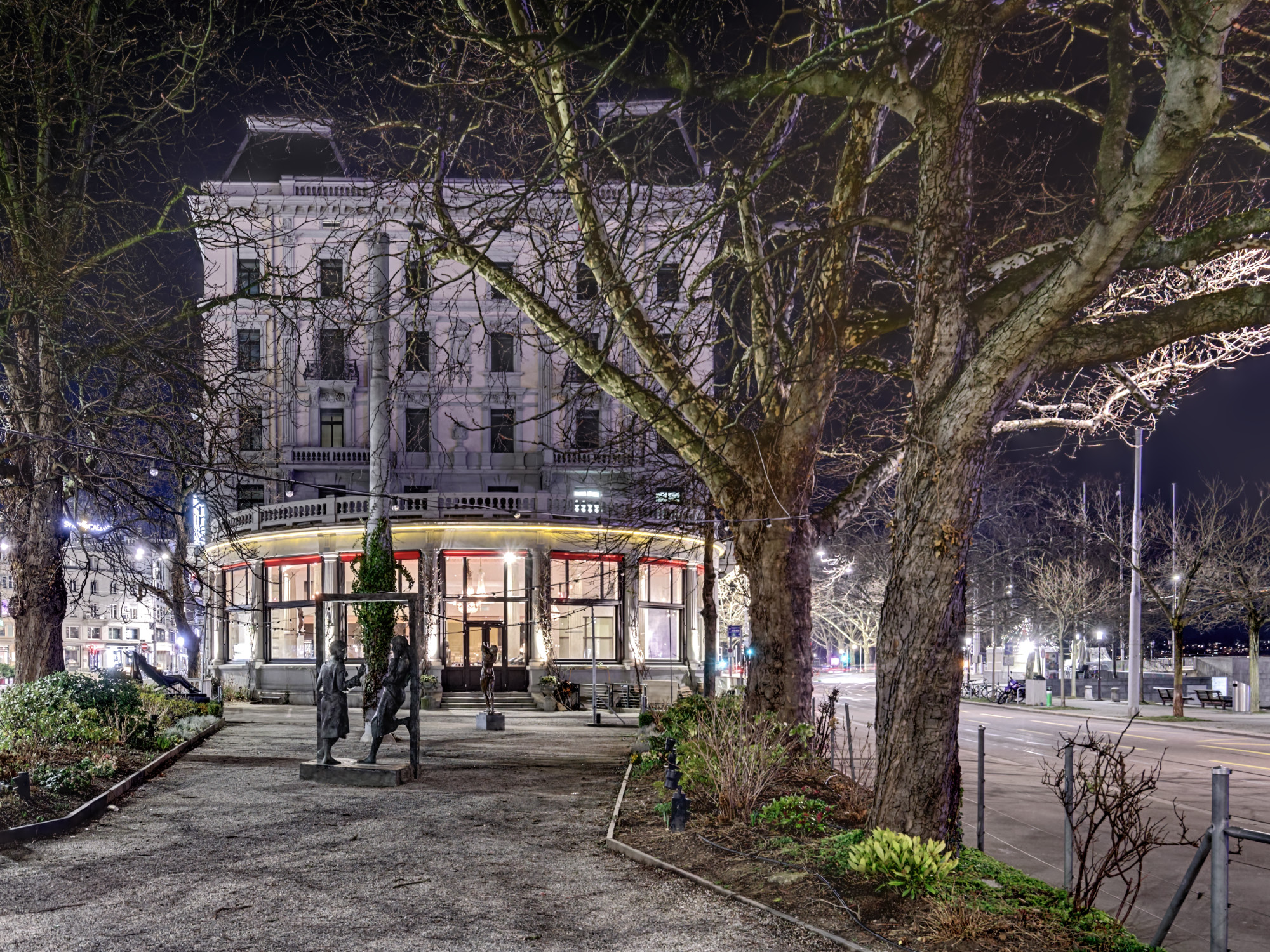
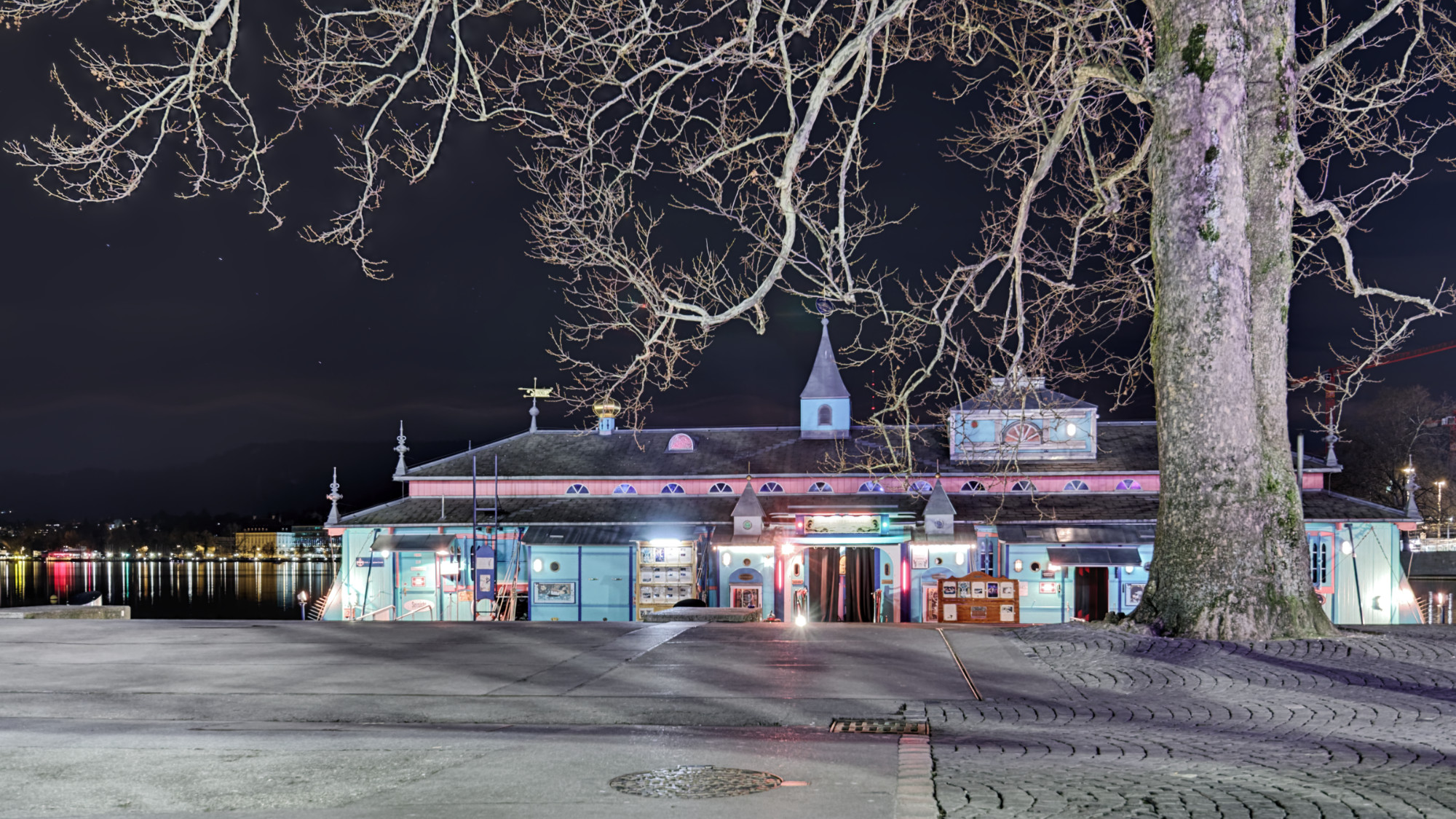
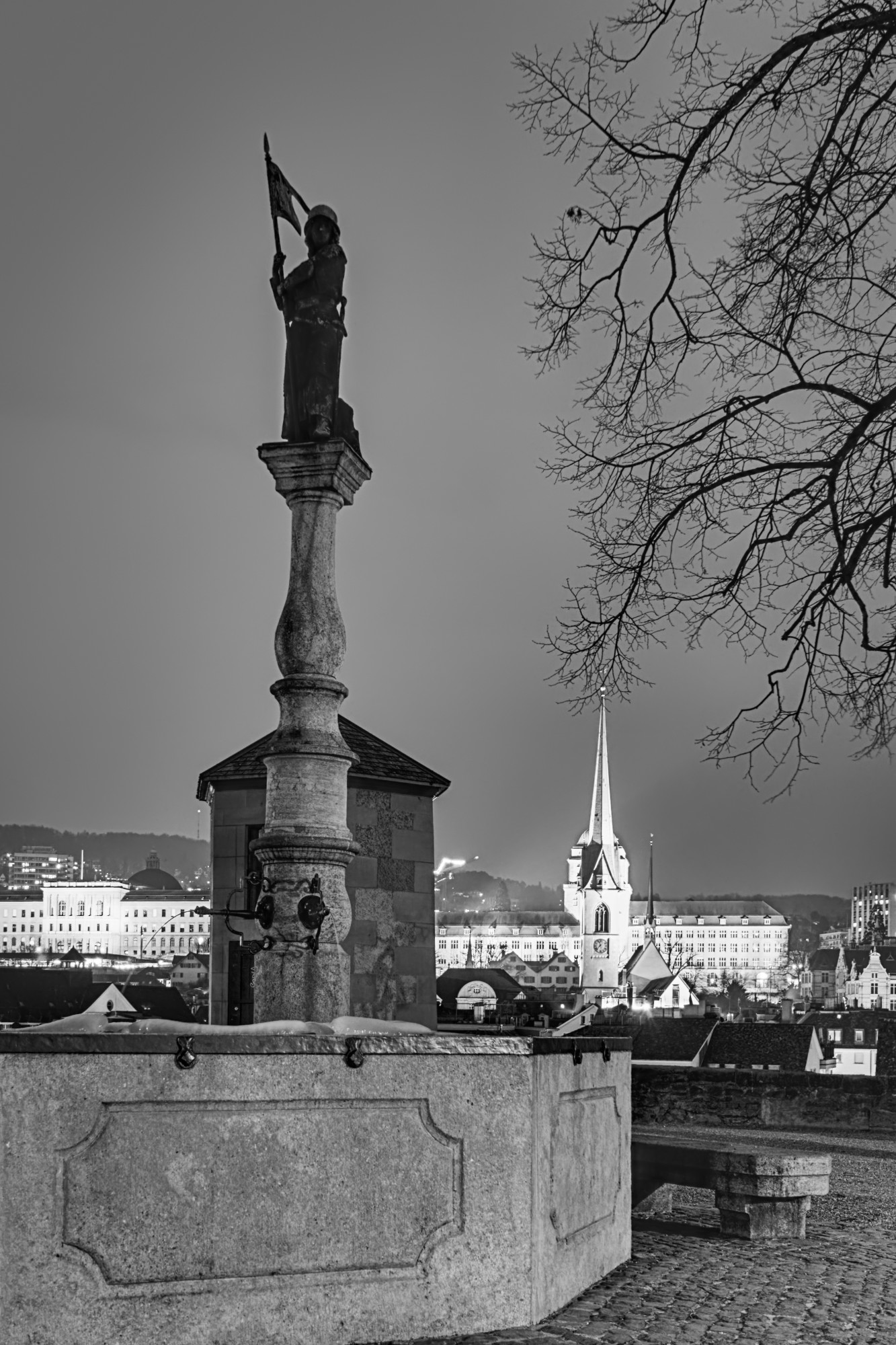
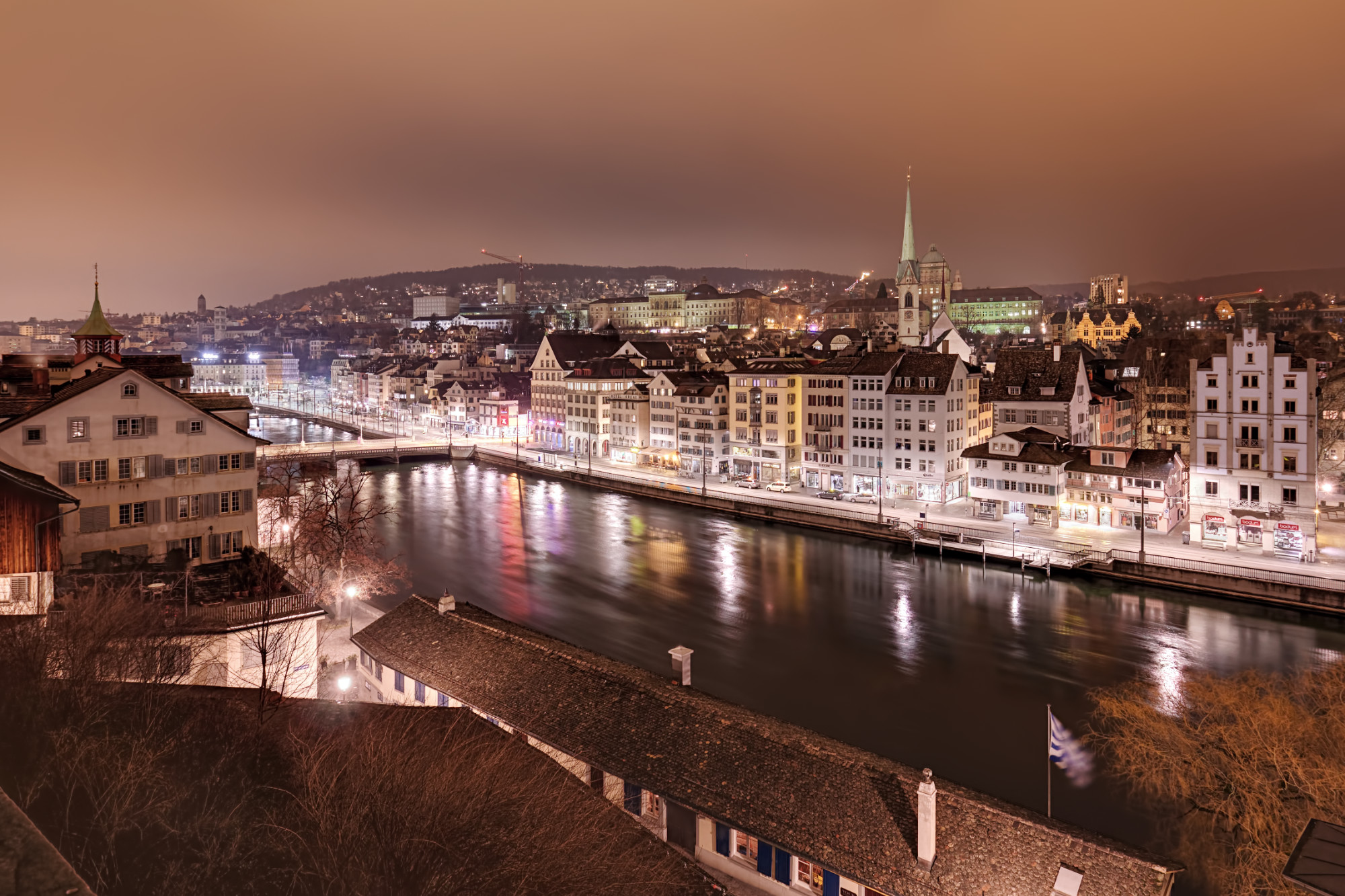
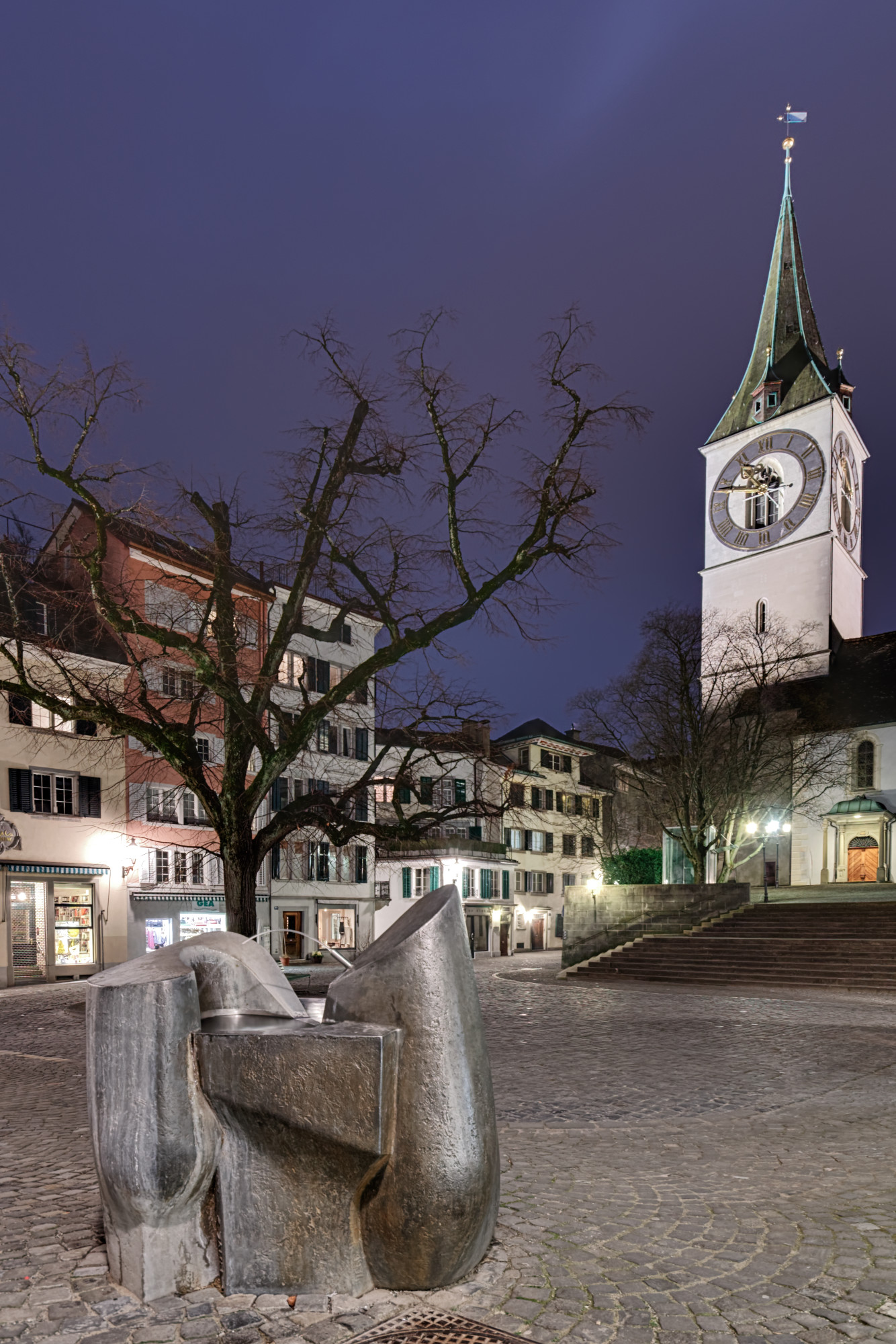
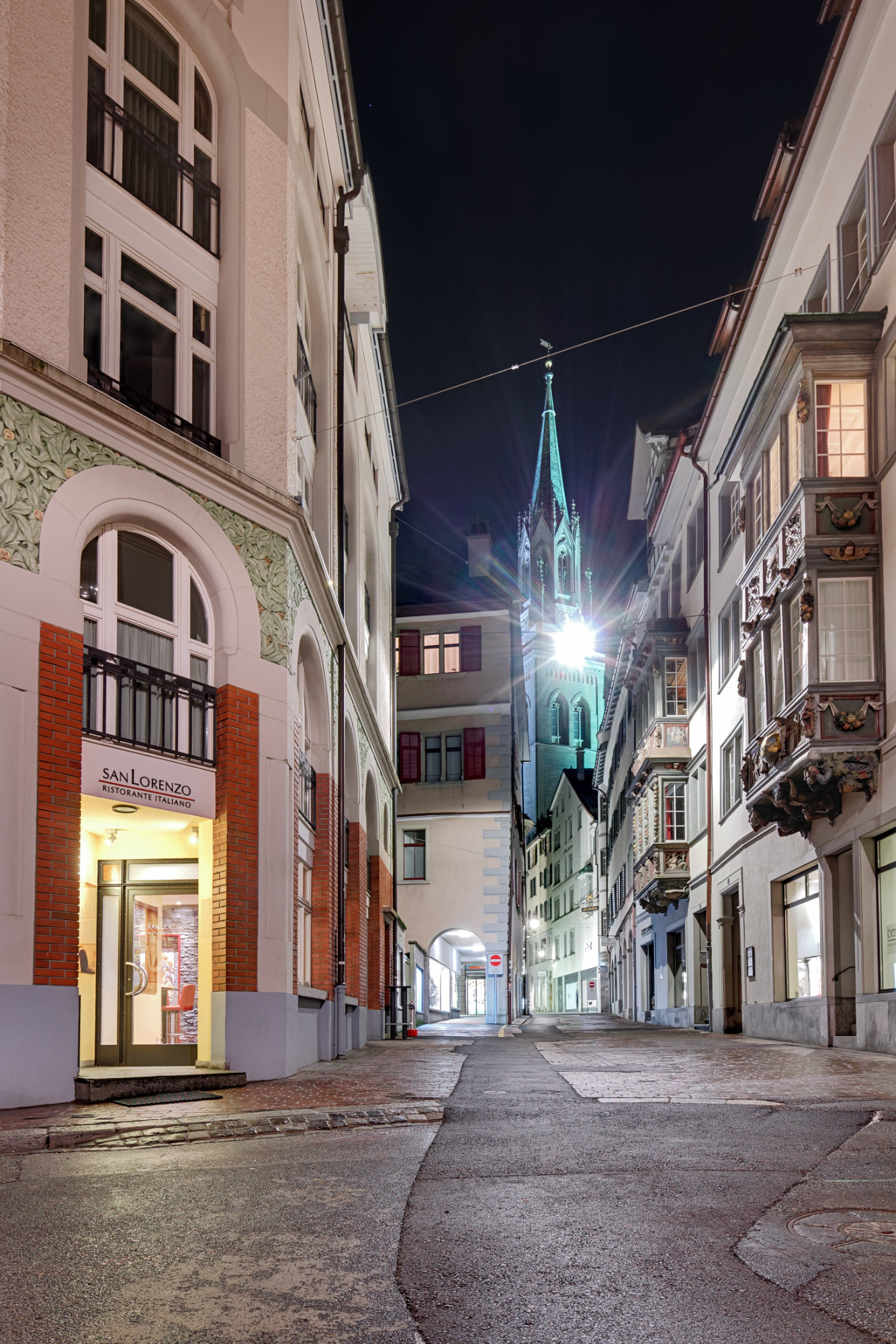
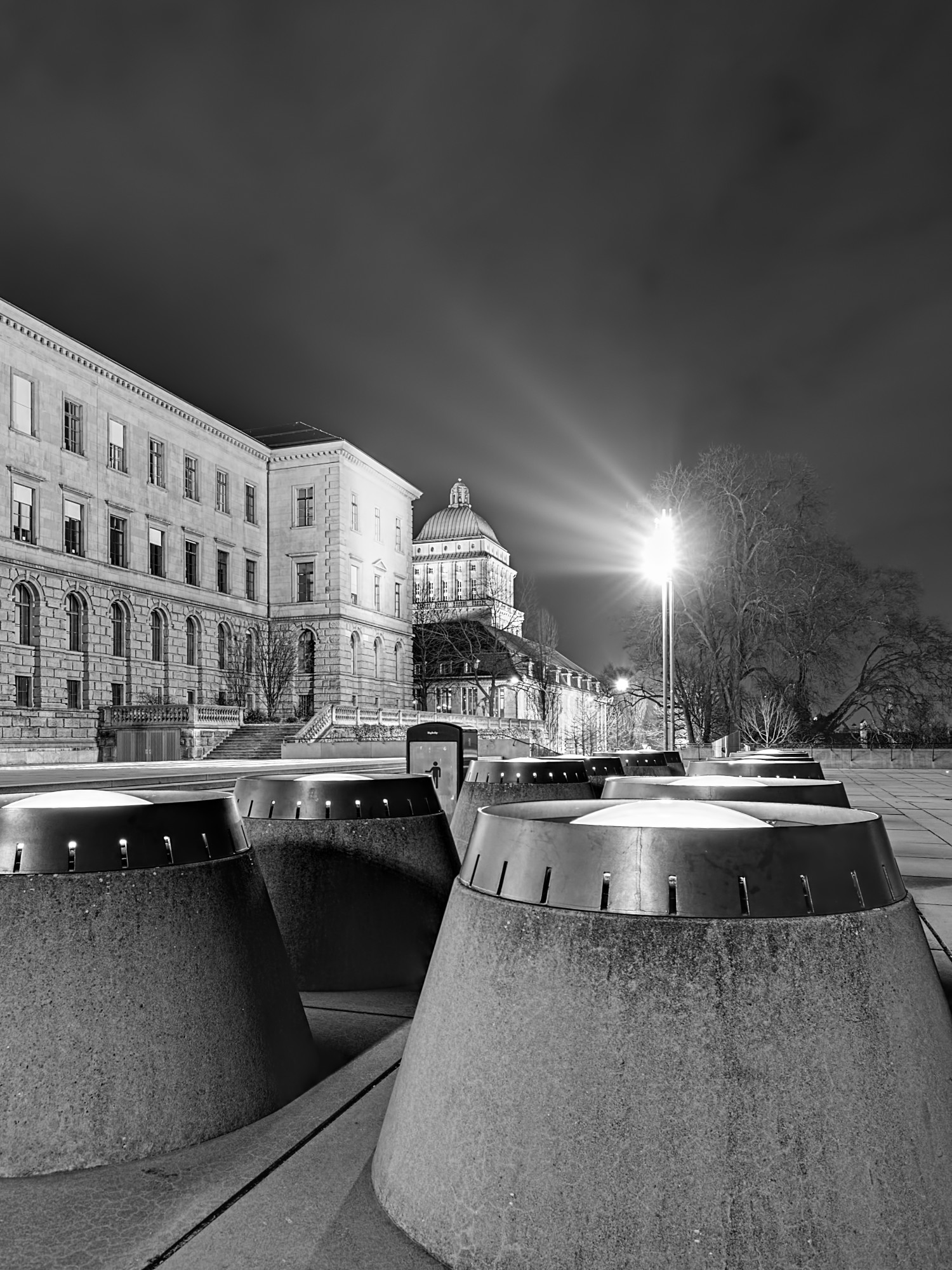
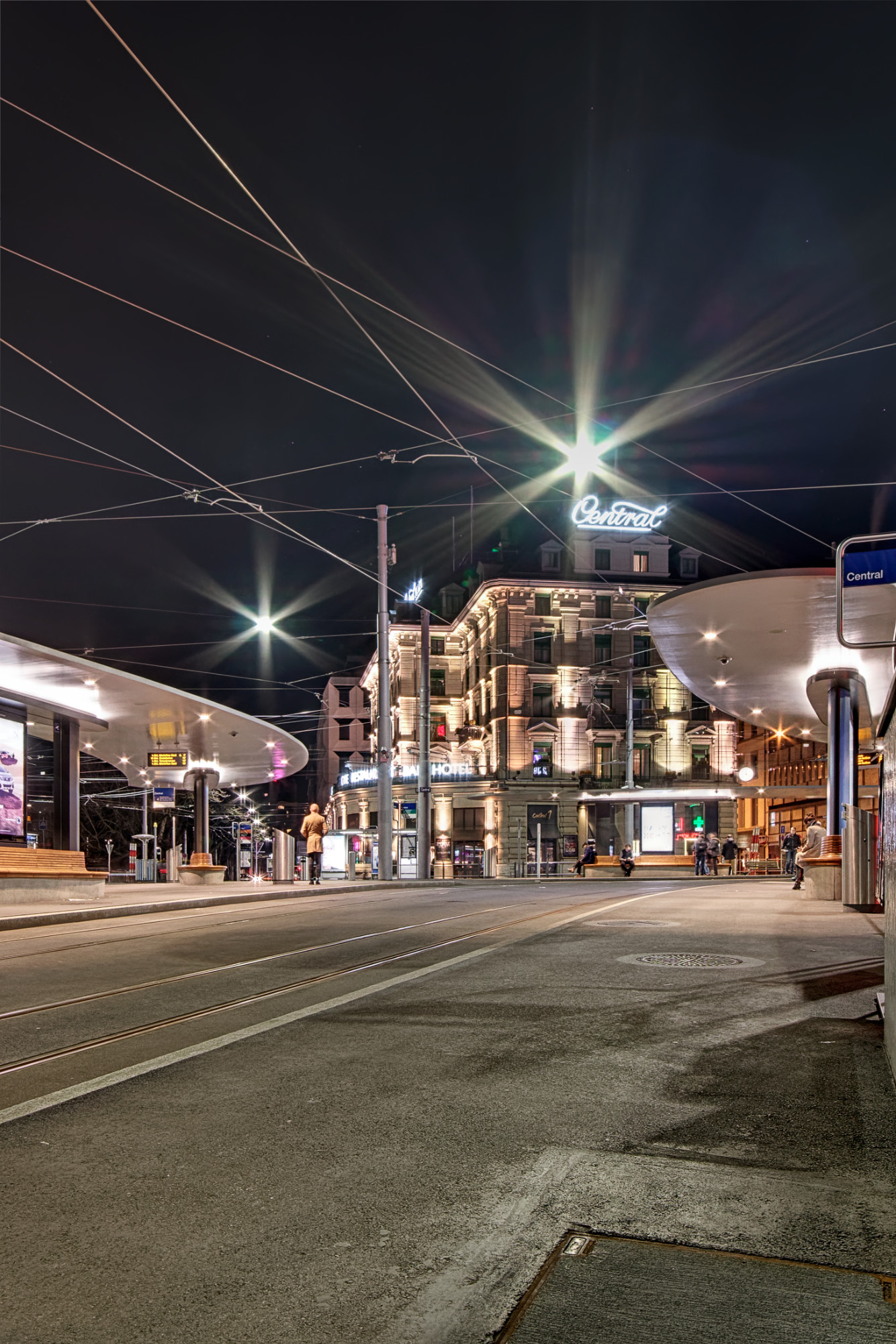
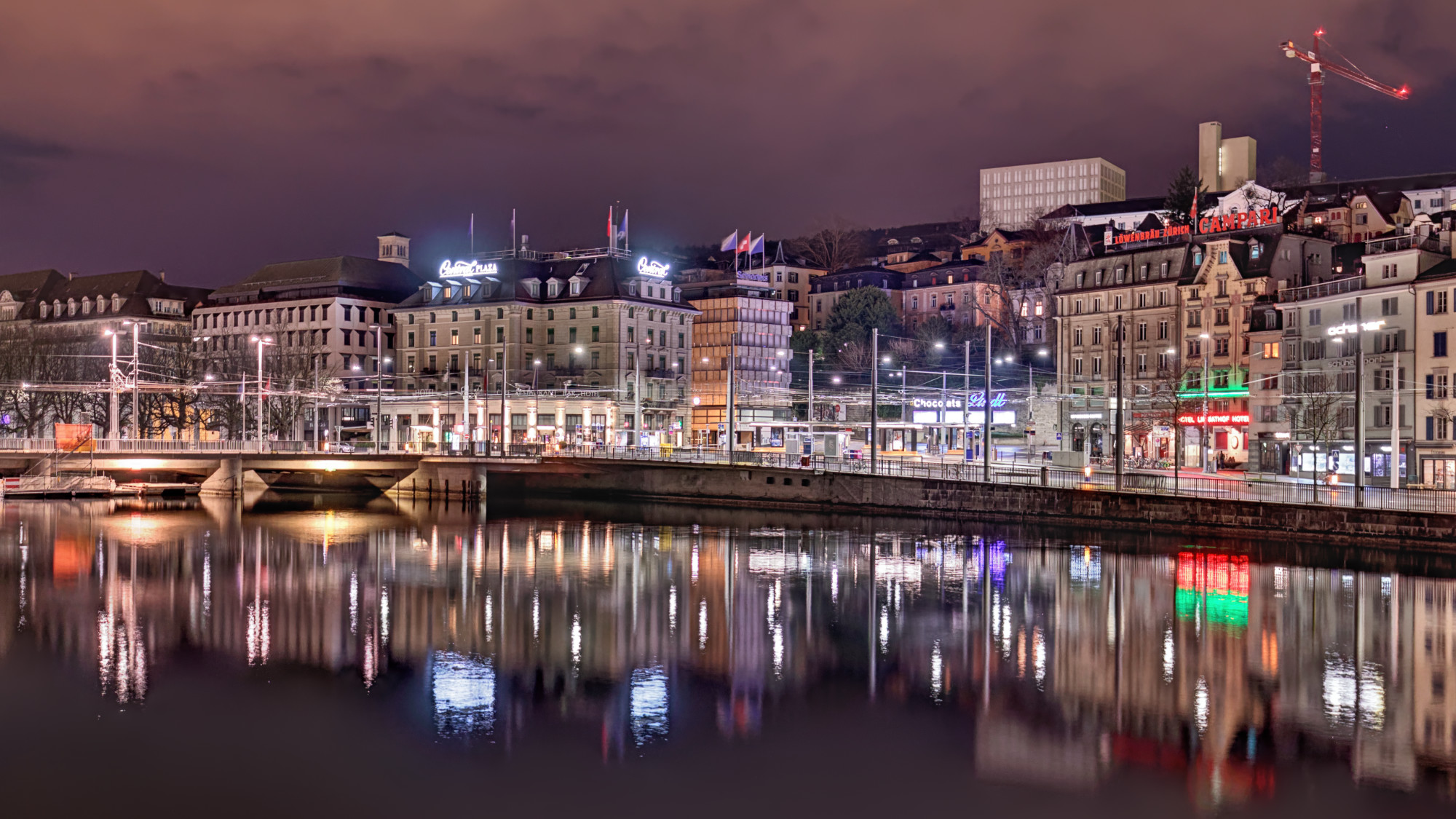
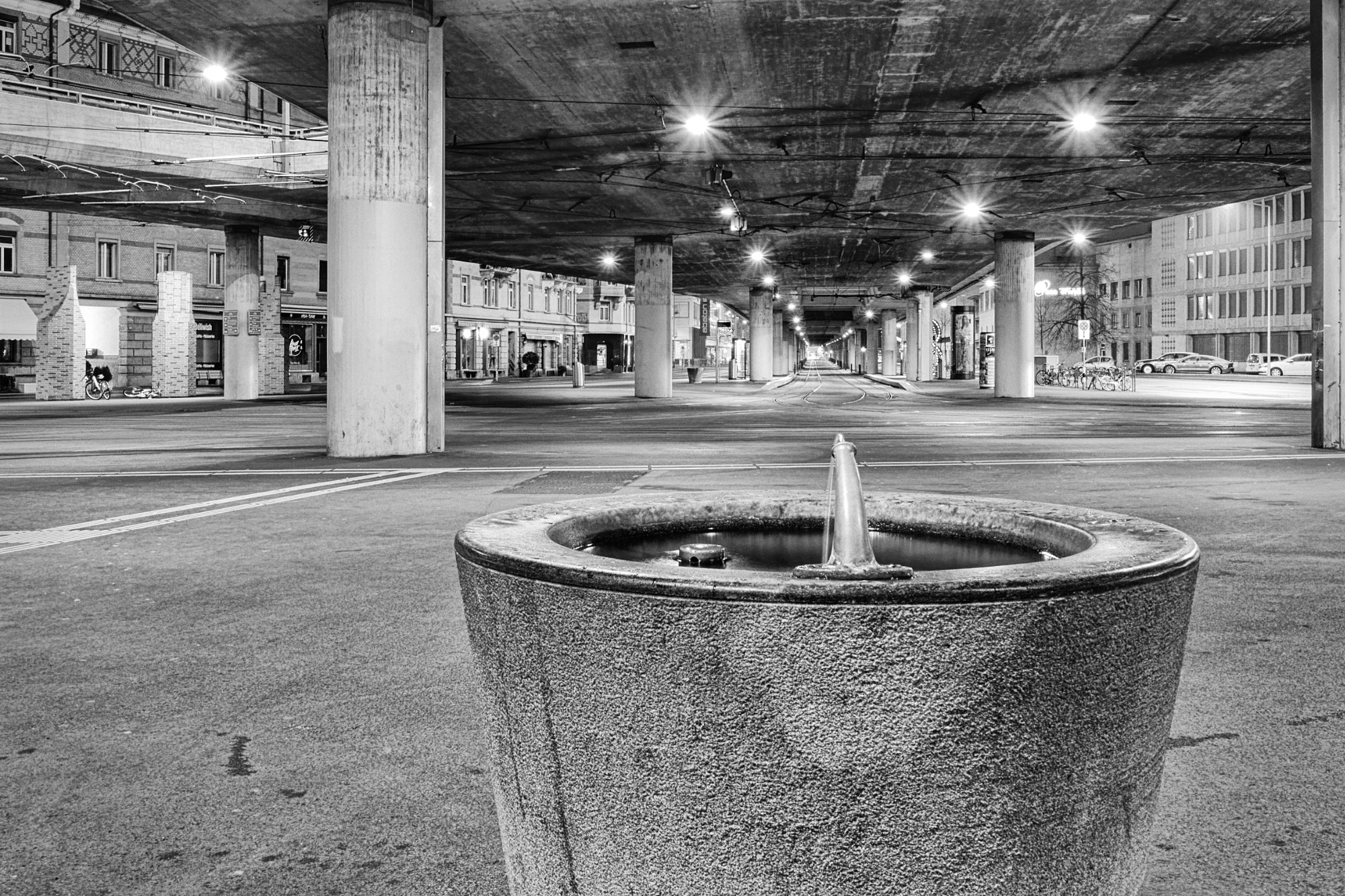
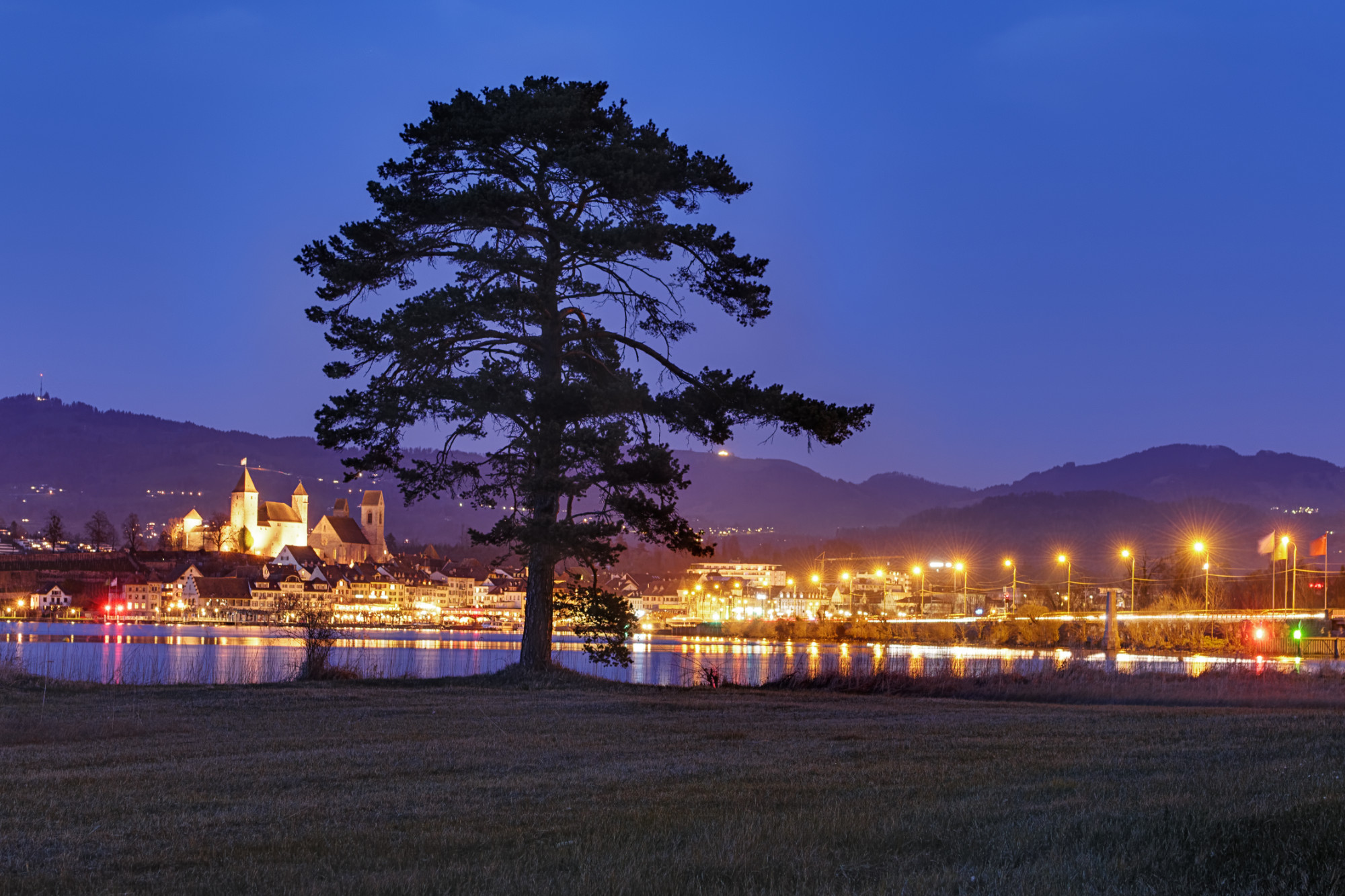
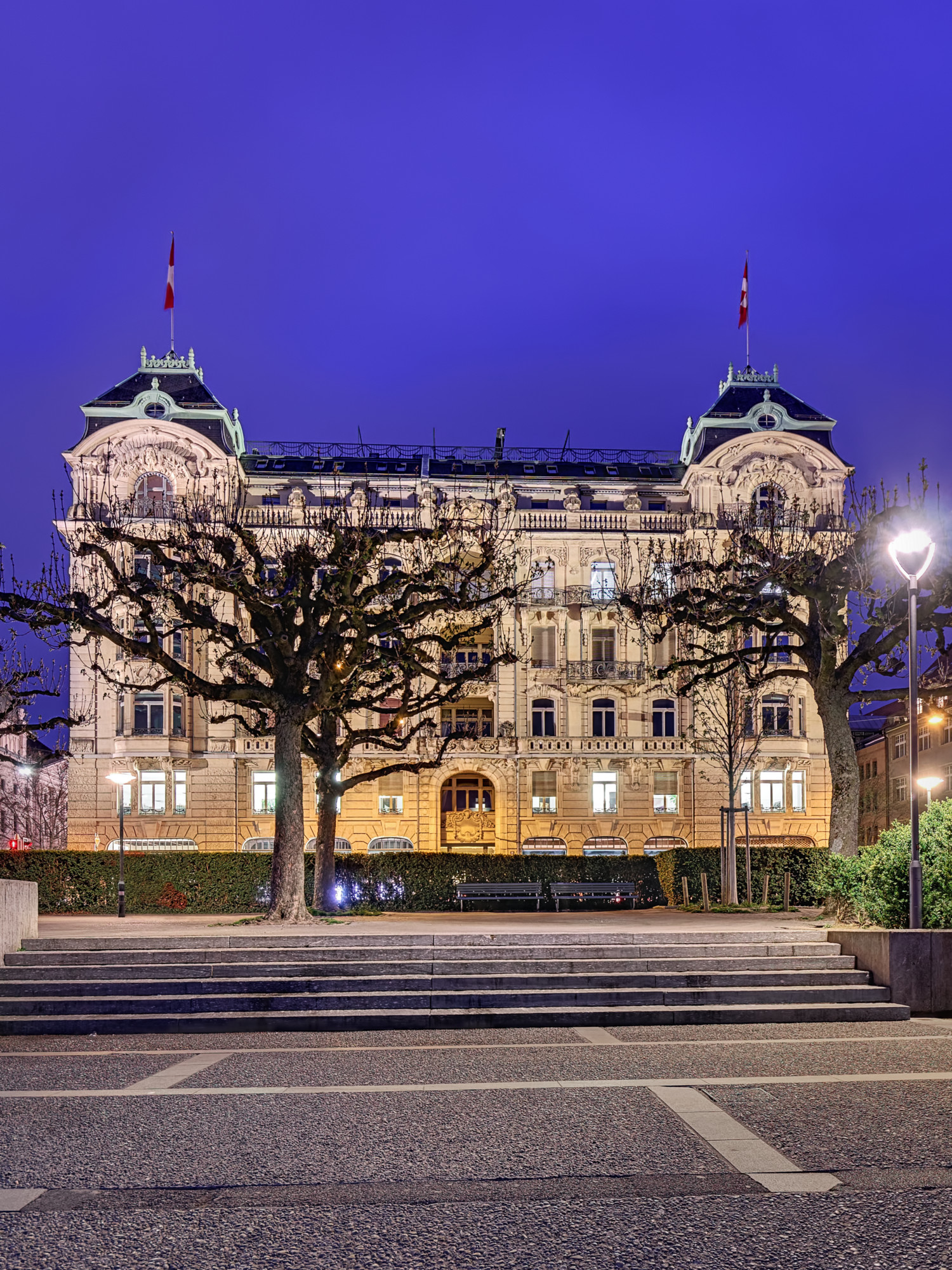
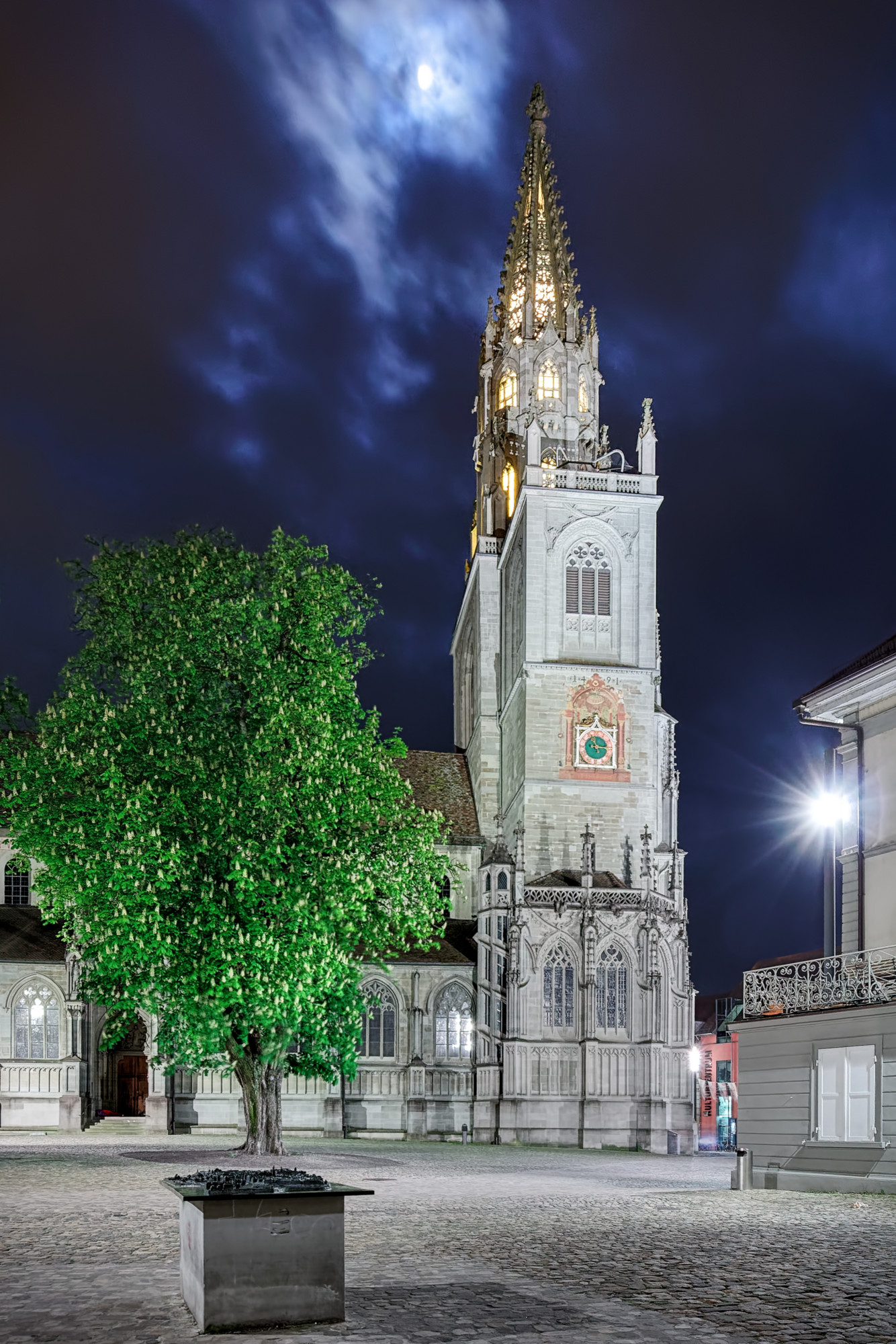
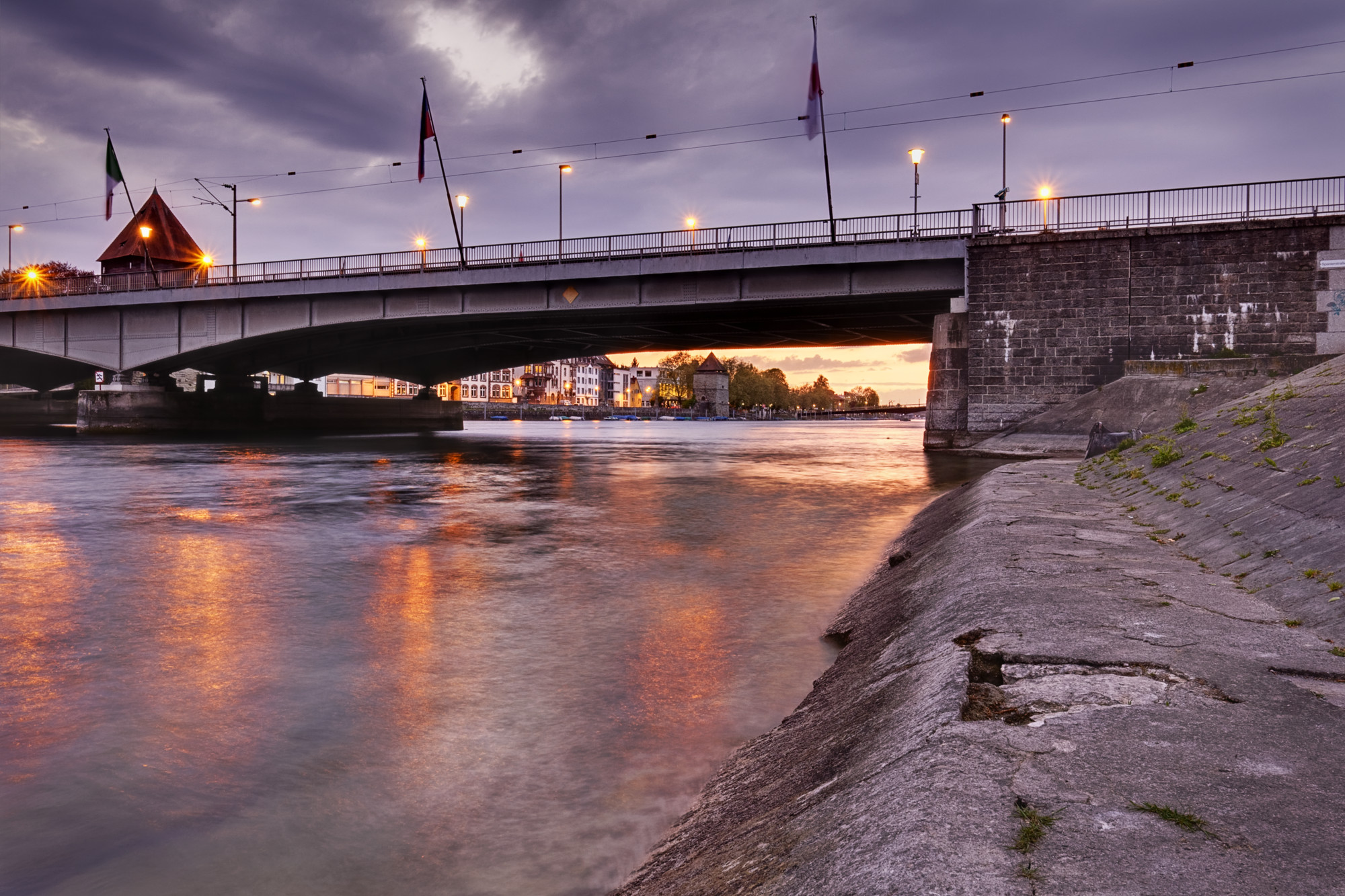
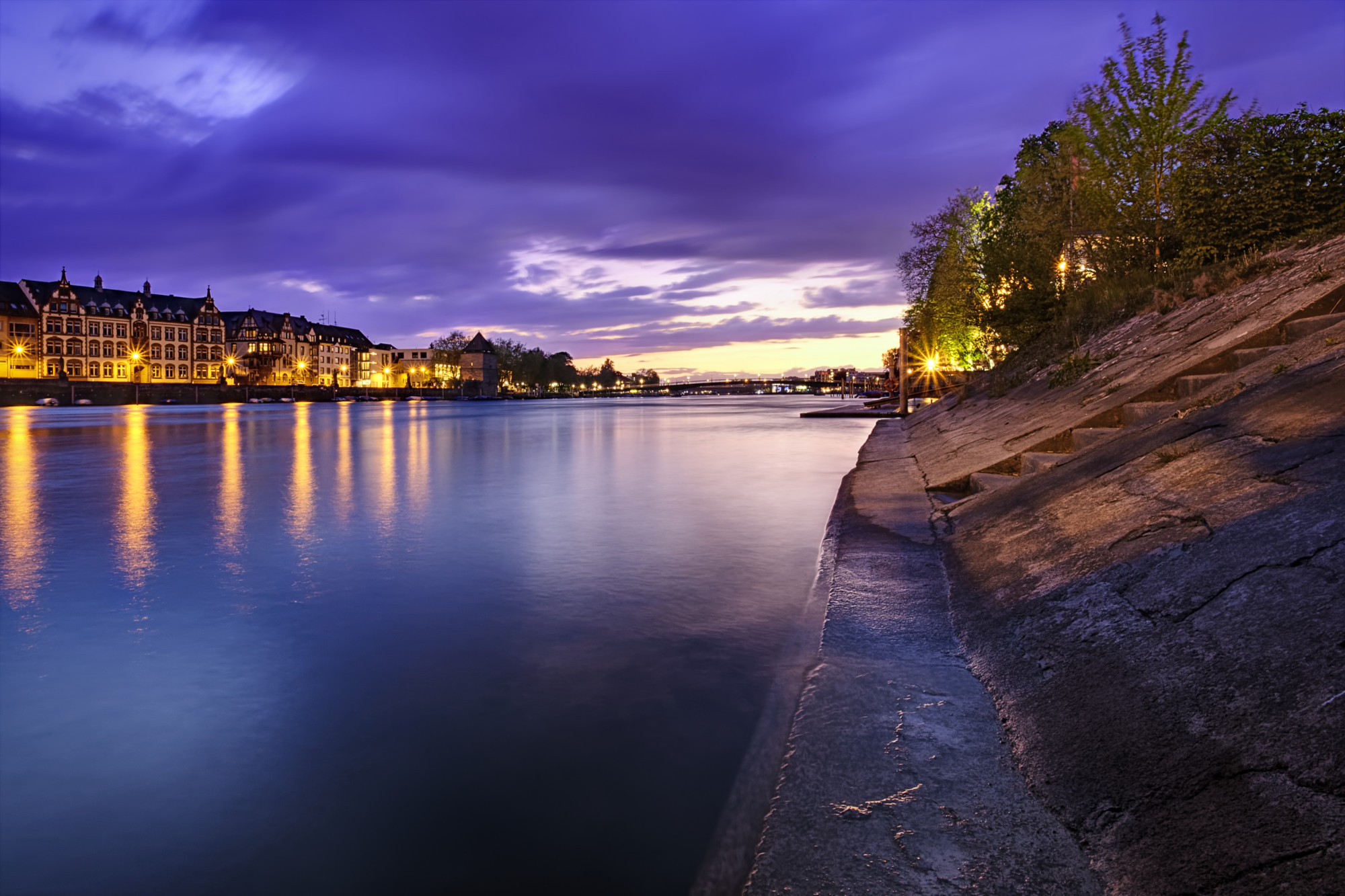
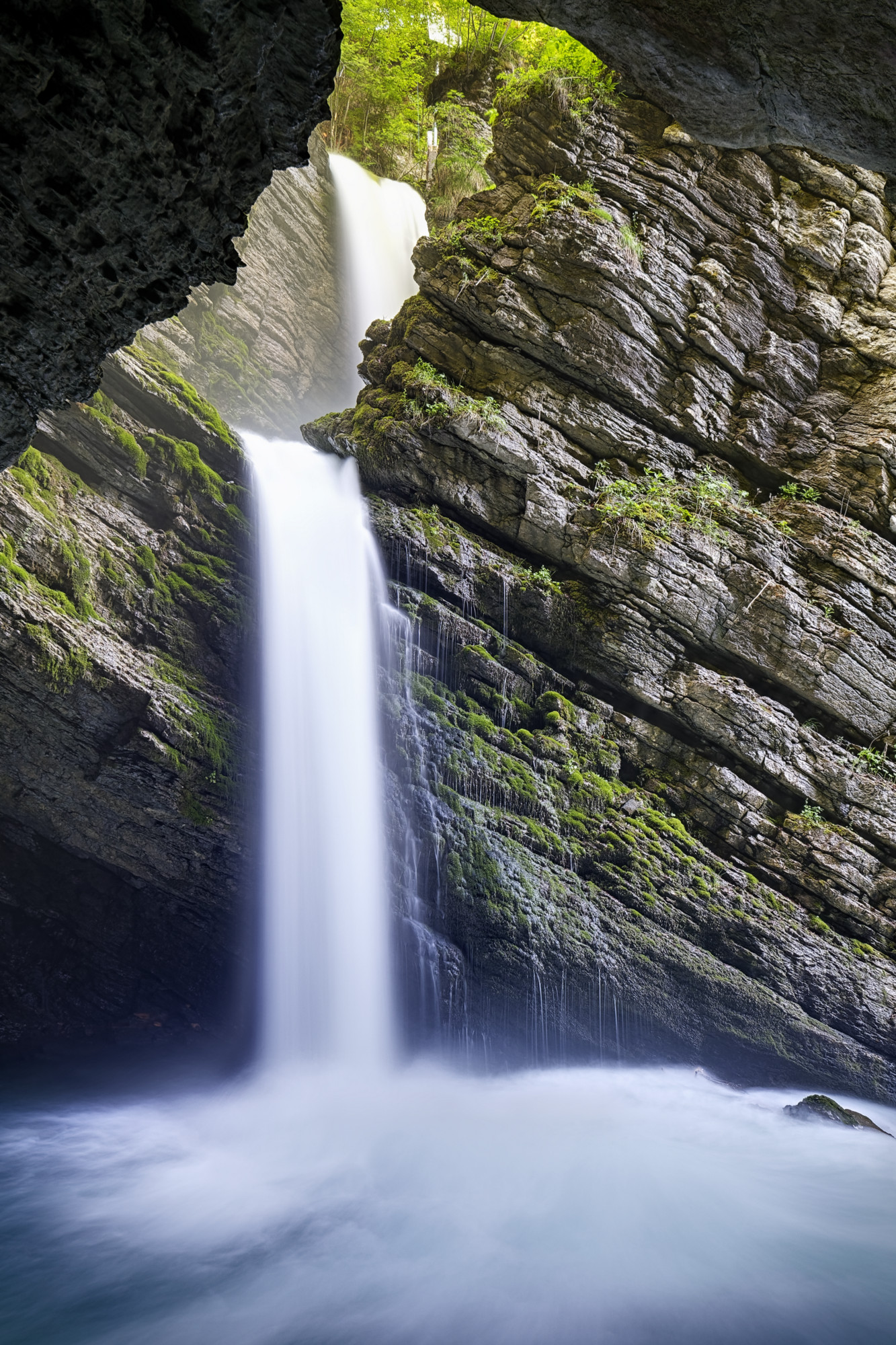
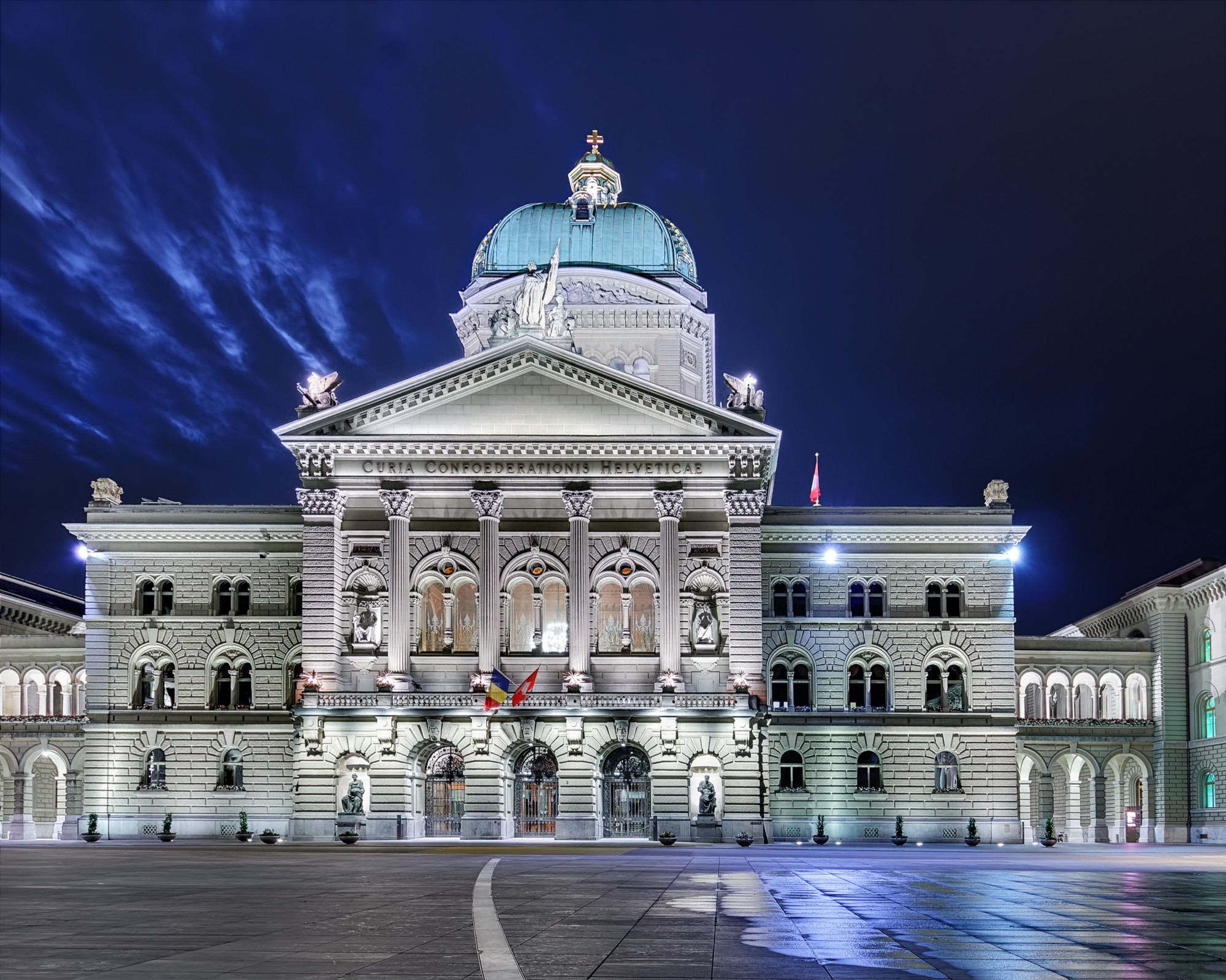
Here are a few examples of images I created using either TuFusePro or Photomatix for the fusion process:

Conclusion
So is Exposure Fusion really the better HDR? Well it depends. HDR definitely has it’s place into today’s photography, especially for spectacular light situations like sunrise/ sunset or extraordinarily illuminated landscapes as well as beautiful cityscapes. But Exposure Fusion on the other hand is a viable alternative whenever the goal is a realistic image of a high dynamic range scene. If I had a wish I’d tell the developers of the well known HDR programs to pay more attention to this promising technique. It is definitely another very sharp tool in a photographer’s toolbox.
P.S. I’m currently planning to produce a video in which I’m going to demonstrate my work flow in TuFusPro and the successive editing in Affinity Photo. I’ll keep you updated as soon as the video goes online.
Update (June 7, 2018): The Video about Exposure Fusion is online!