
Recently Skylum offered me to take a look at the pre-release version of its HDR Software, Aurora HDR 2019. Since Aurora HDR 2018 is one of the tools I use to create my HDR photographs I gladly took this opportunity. After having developed a few photos with it I am now ready to share my experience with you in this Aurora HDR 2019 review.

Overview
I’d like to start my review with a short citation from an informational e-mail Skylum sent out to introduce the improvements they implemented:
- New Quantum HDR Engine
- LUTs support with 11 New Integrated LUTs
- Photoshop plugins support
- New HDR Smart Structure filter for realistic and artefact-free structure (can be found in the new HDR Enhance filter)
- Presets are now called ‘Looks’
- Improved Adjustable Gradient filter with new sliders for Shadows and Highlights added
- Improved HDR Details Boost Effect (the photo is shown in high-resolution while fine-tuning the filter)
Changes in detail/ comparison
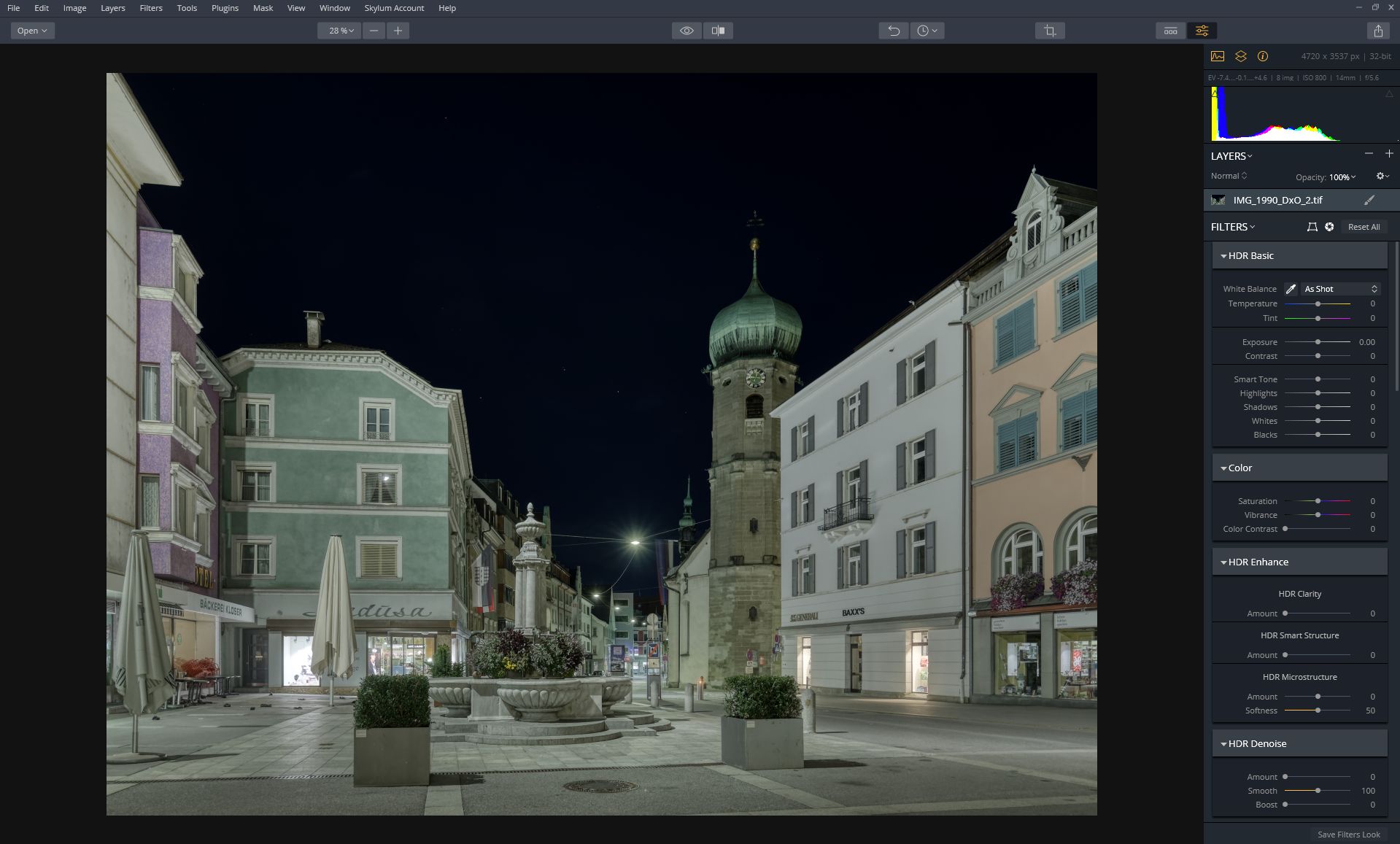
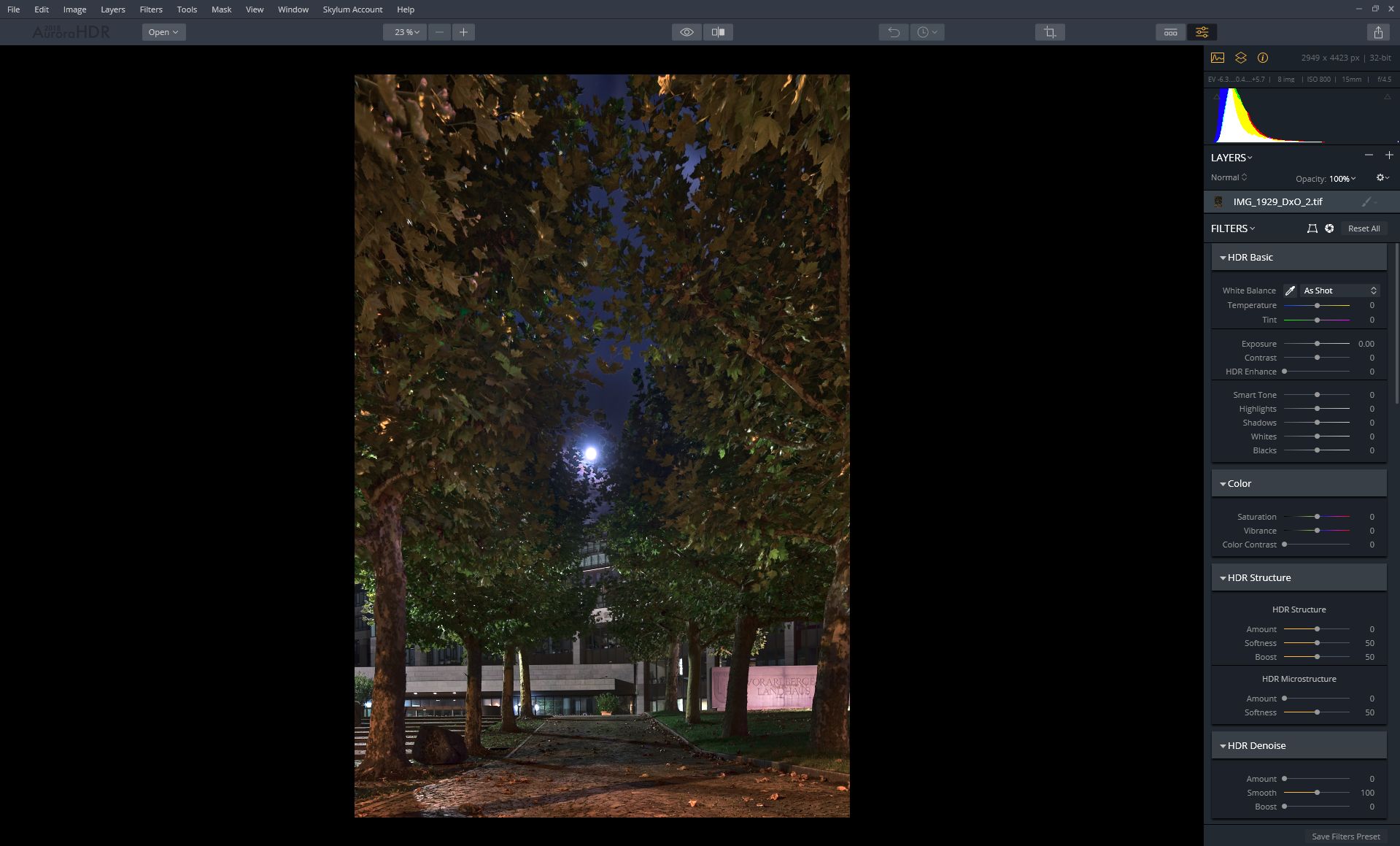
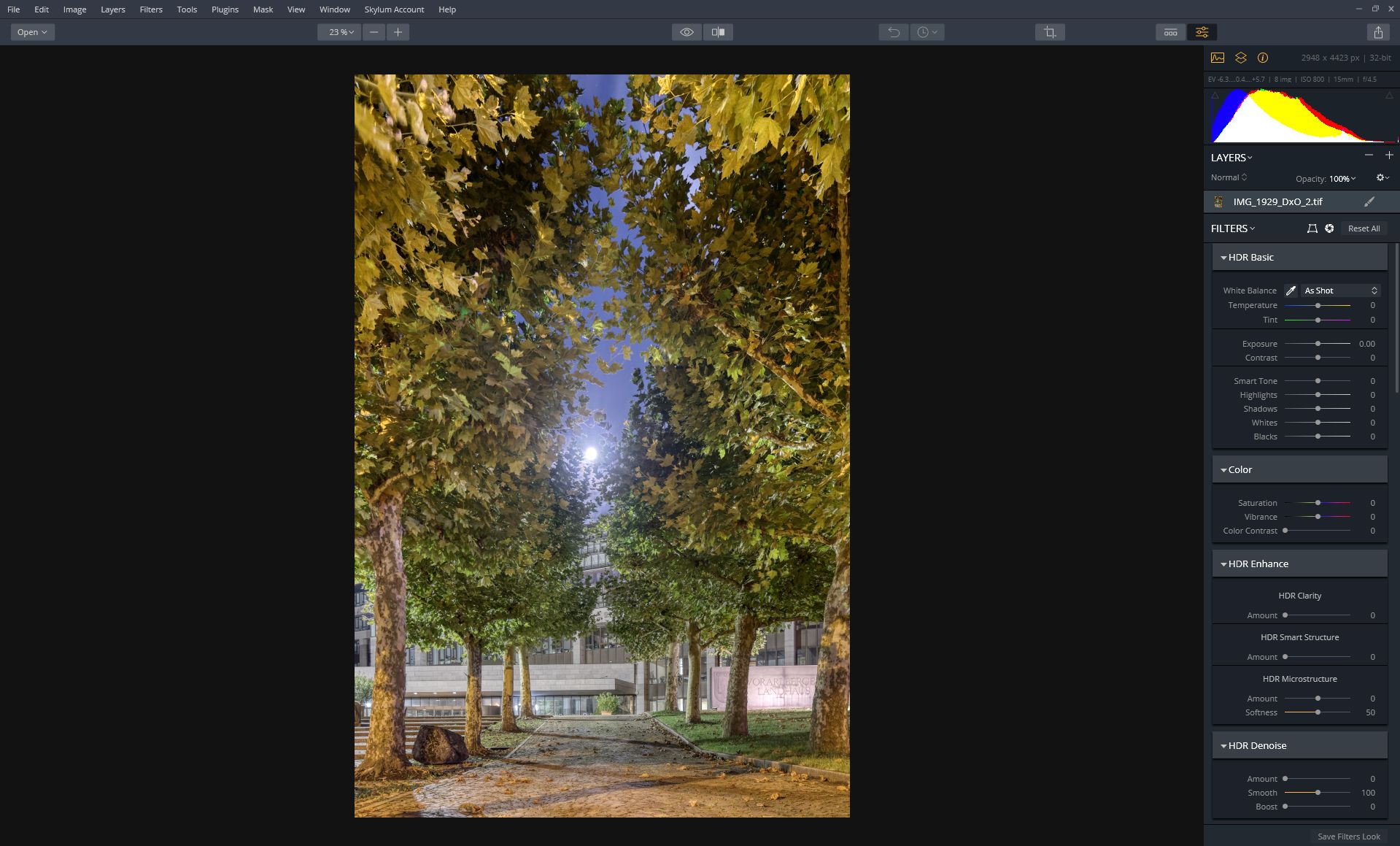
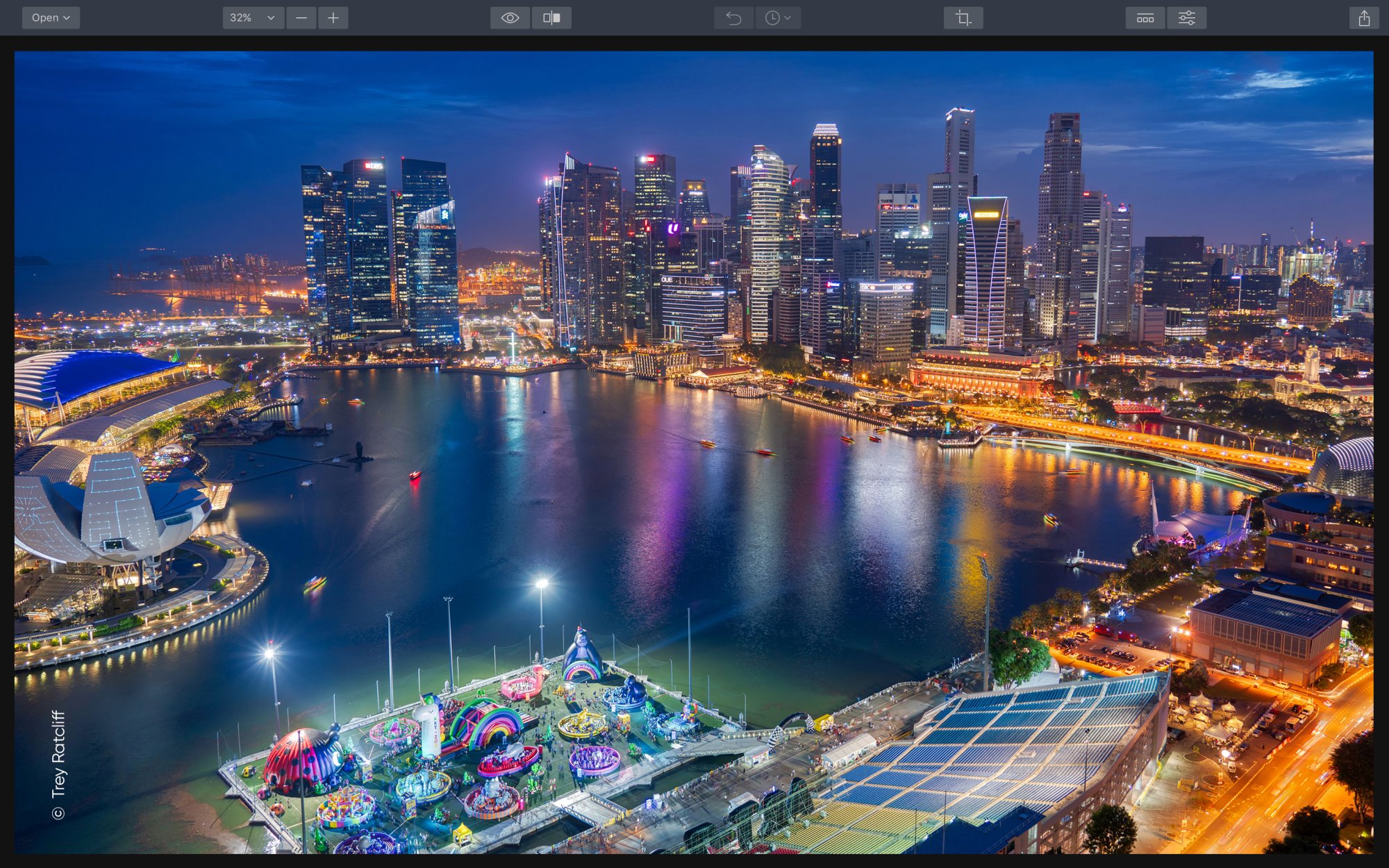
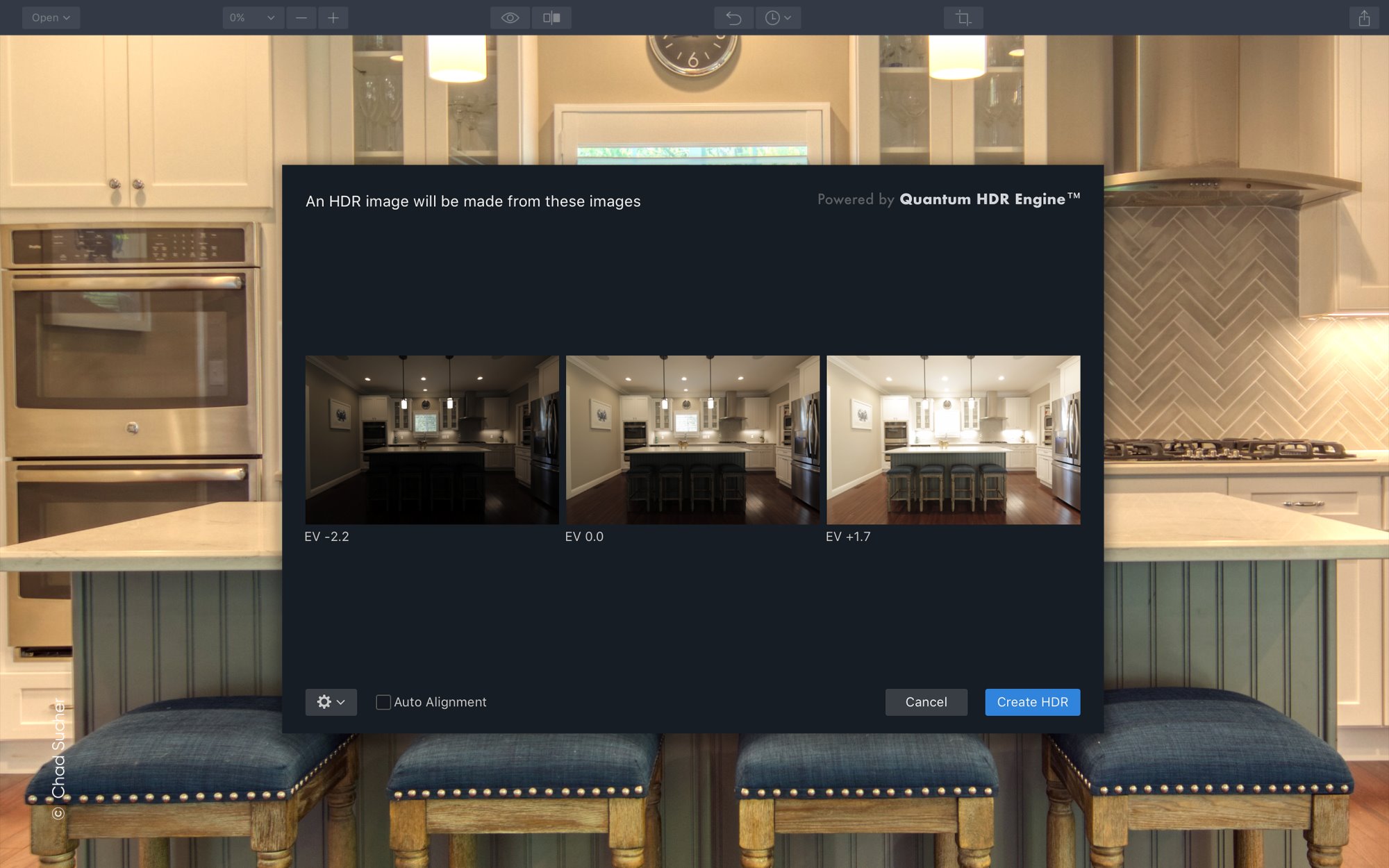
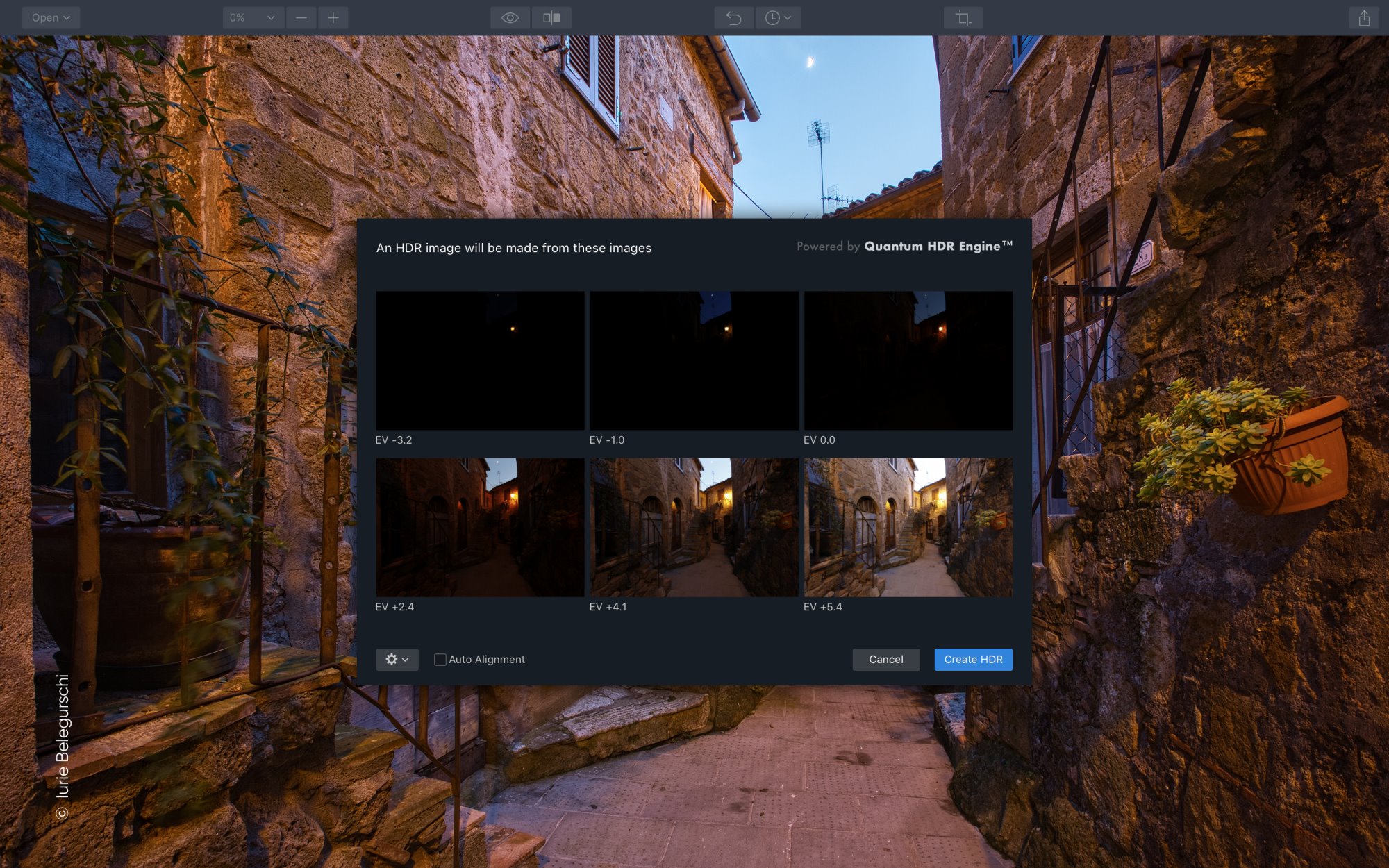
The first point in the list is also the most important one in my opinion. As much as I like Aurora HDR for its layer based approach and the customizability of the HDR process I always felt like with version 2018 I had to fight against the programs tendency to produce images with too much contrast and exaggerated colors. This has dramatically changed with the introduction of the new HDR engine. It sure does a much better job of creating beautiful but also realistic images as a basis for further tweaking.
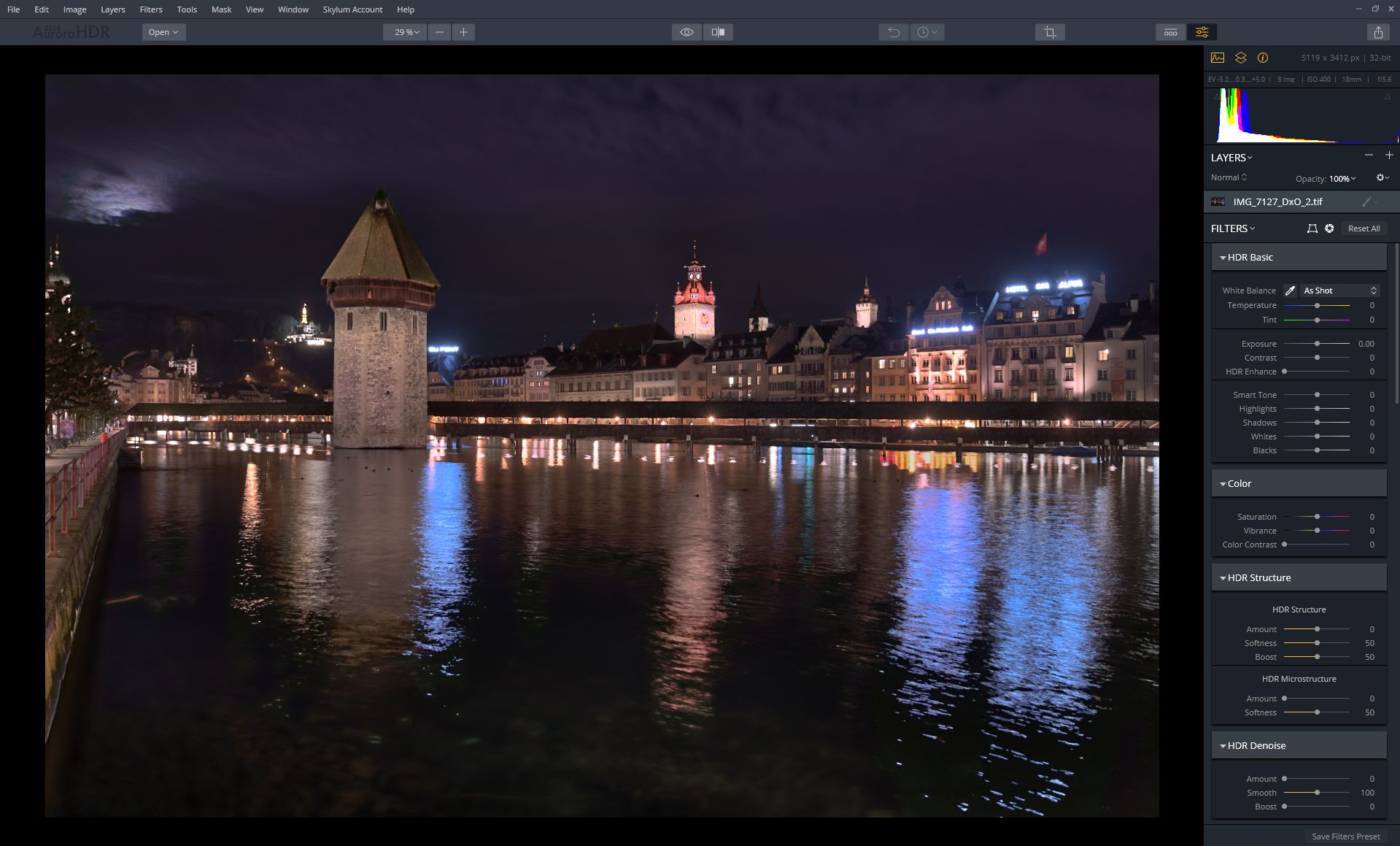
To illustrate the improvement that comes with the new HDR engine of version 2019 I prepared a few sample images. The respective images were created using the same exposure bracketing and no further tweaks were applied. While Aurora HDR 2018 produces very high contrast images the photos merged with Aurora HDR 2019 are much more balanced. The colors are not oversaturated and overall it’s a very good basis for further processing. My conclusion here is that the new HDR engine is a huge gain for all those who like realistic HDR photos. At the same time nothing is lost and if you prefer a more creative approach of HDR photography there are still plenty of filters to tweak your photos just the way you like it.





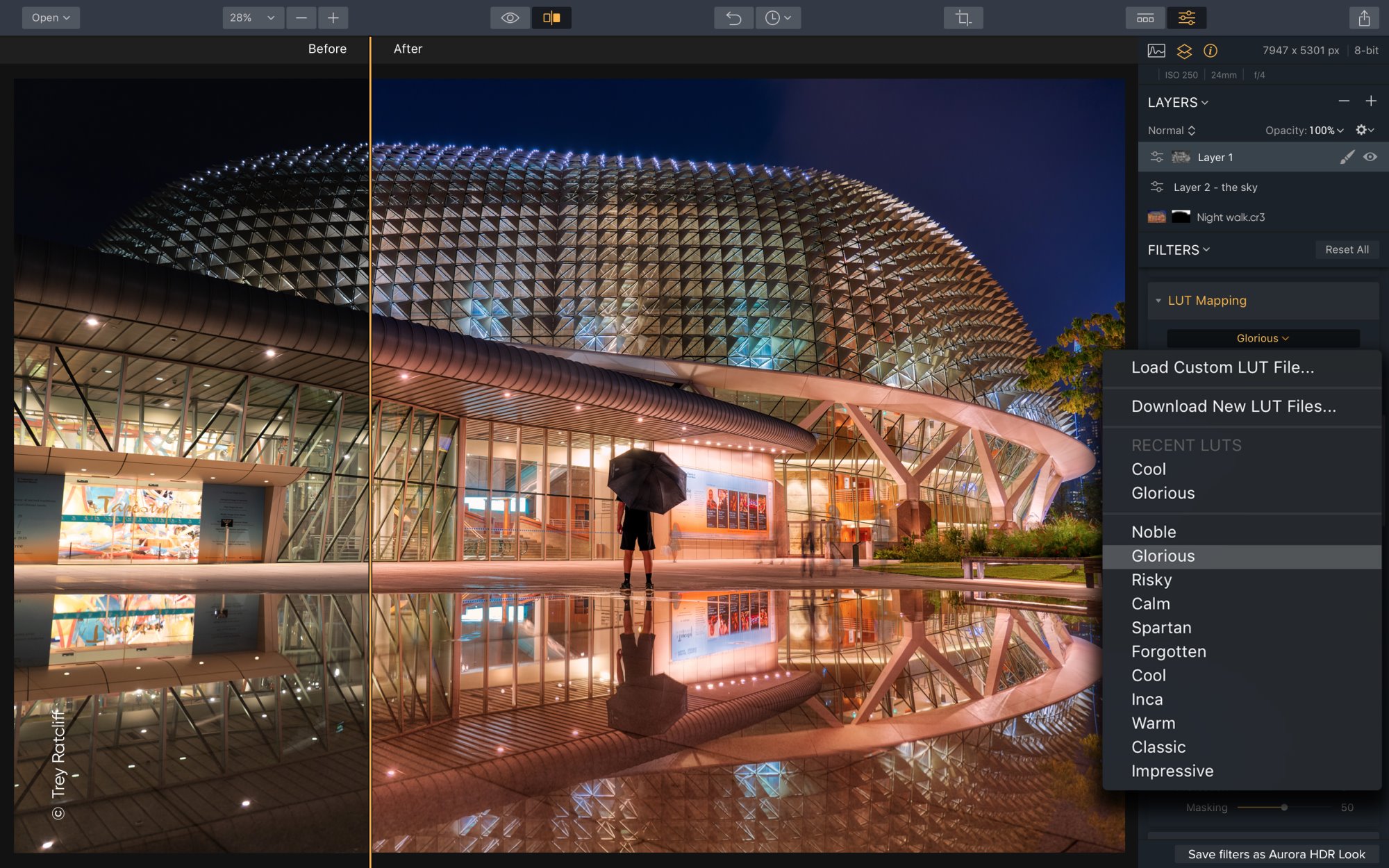


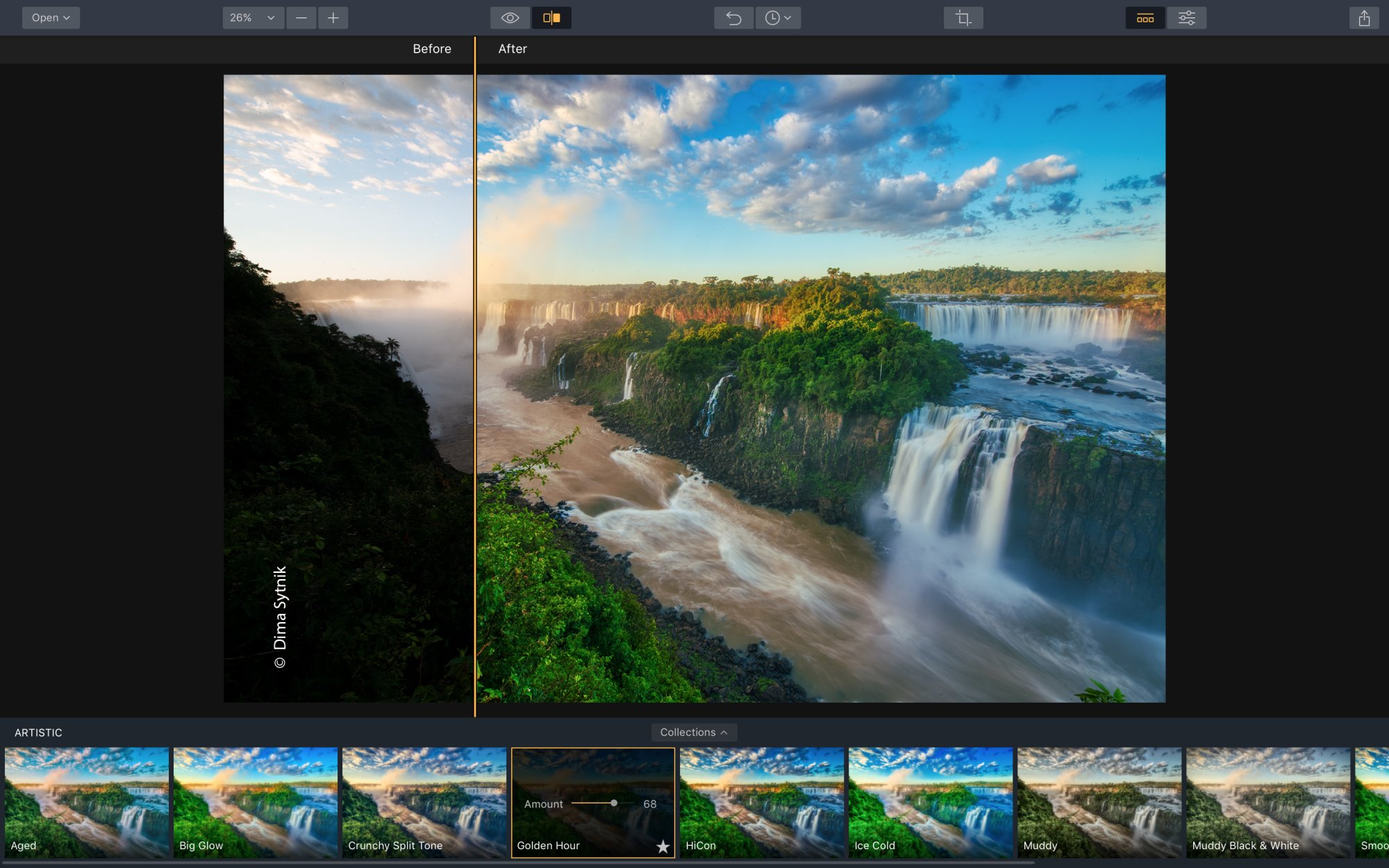
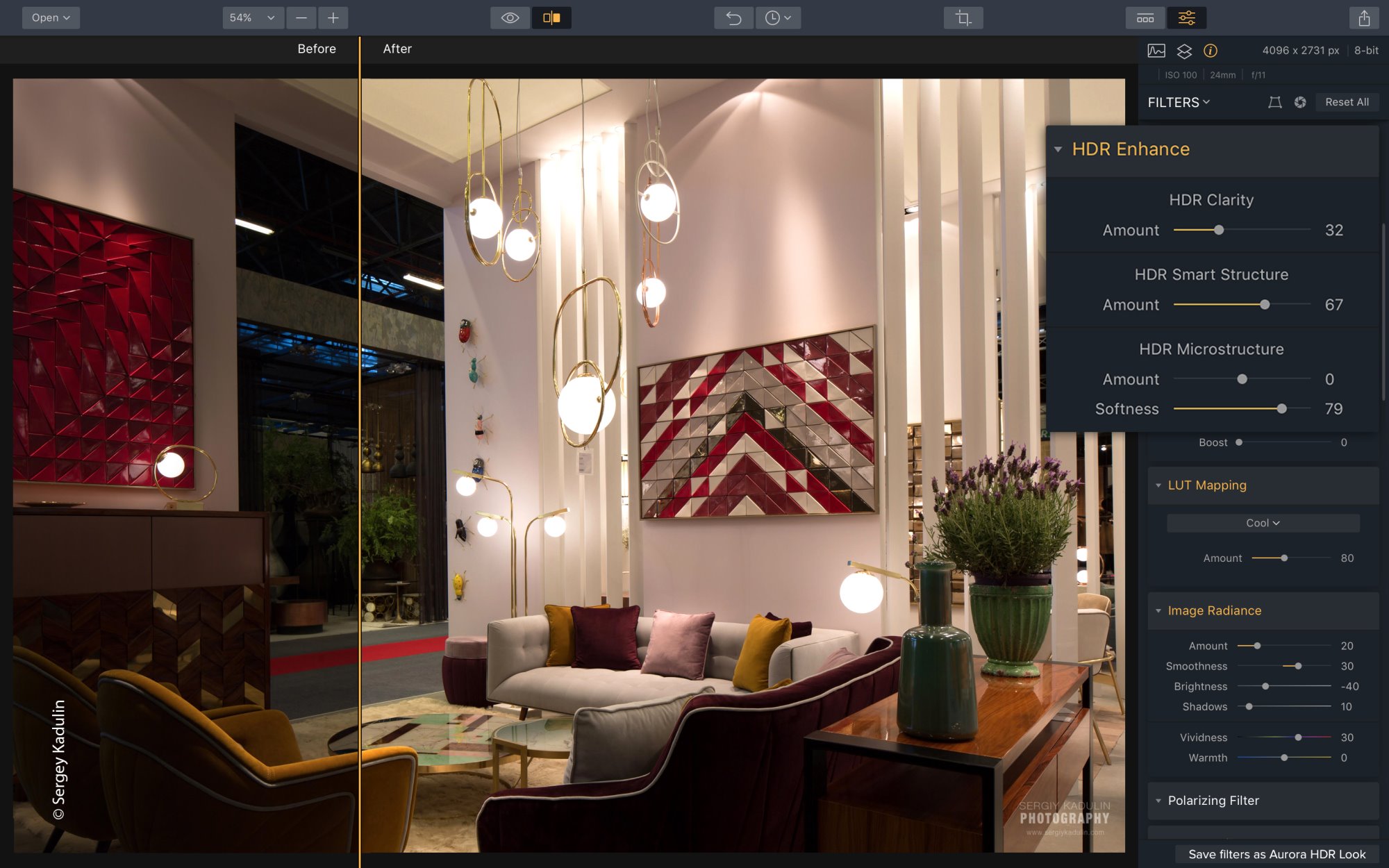
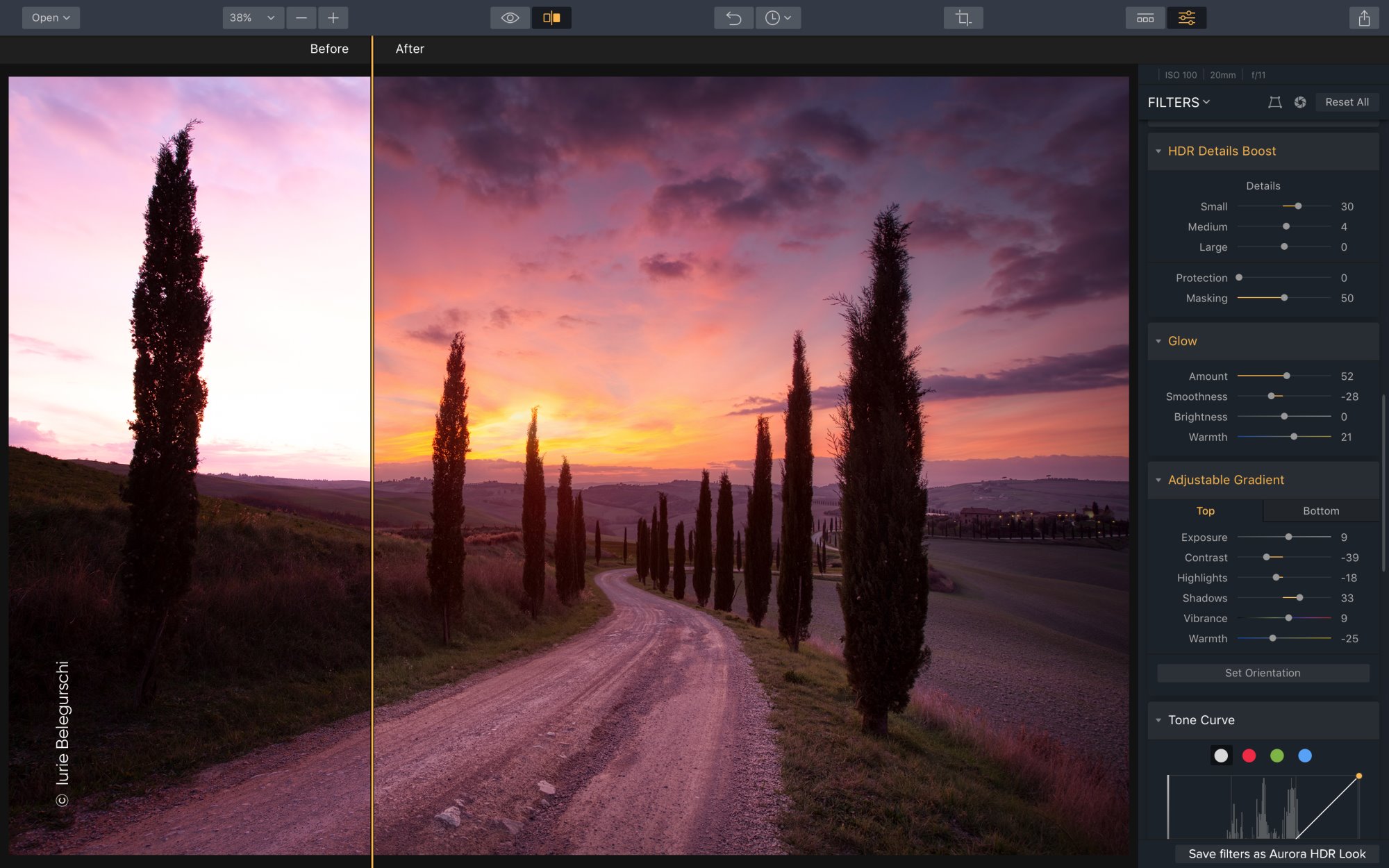


Another interesting feature introduced in version 2019 are LUTs (look up tables). These are basically filters that let you apply the same look to different images. The technique is known from movie production where it’s called color grading. I cannot say that this is a feature that I missed in version 2018 but I can definitely see a benefit for those who create entire series of images to which they want to apply the same kind of look (colors). There are some built in LUTs and you can get more online (free and paid).
In my opinion the newly added possibility to use Aurora HDR 2019 as a plugin for Photoshop or Lightroom kind of fits in the same category: Not really missed but definitely nice to have. Since I don’t use Photoshop or Lightroom I could not test this feature. Nonetheless I’d say it’s a welcome addition for all those who work with Adobes image editor which is the vast majority of (professional) photographers. Question Skylum: Would it be asked too much to add Affinity Photo to the list of supported image editors?
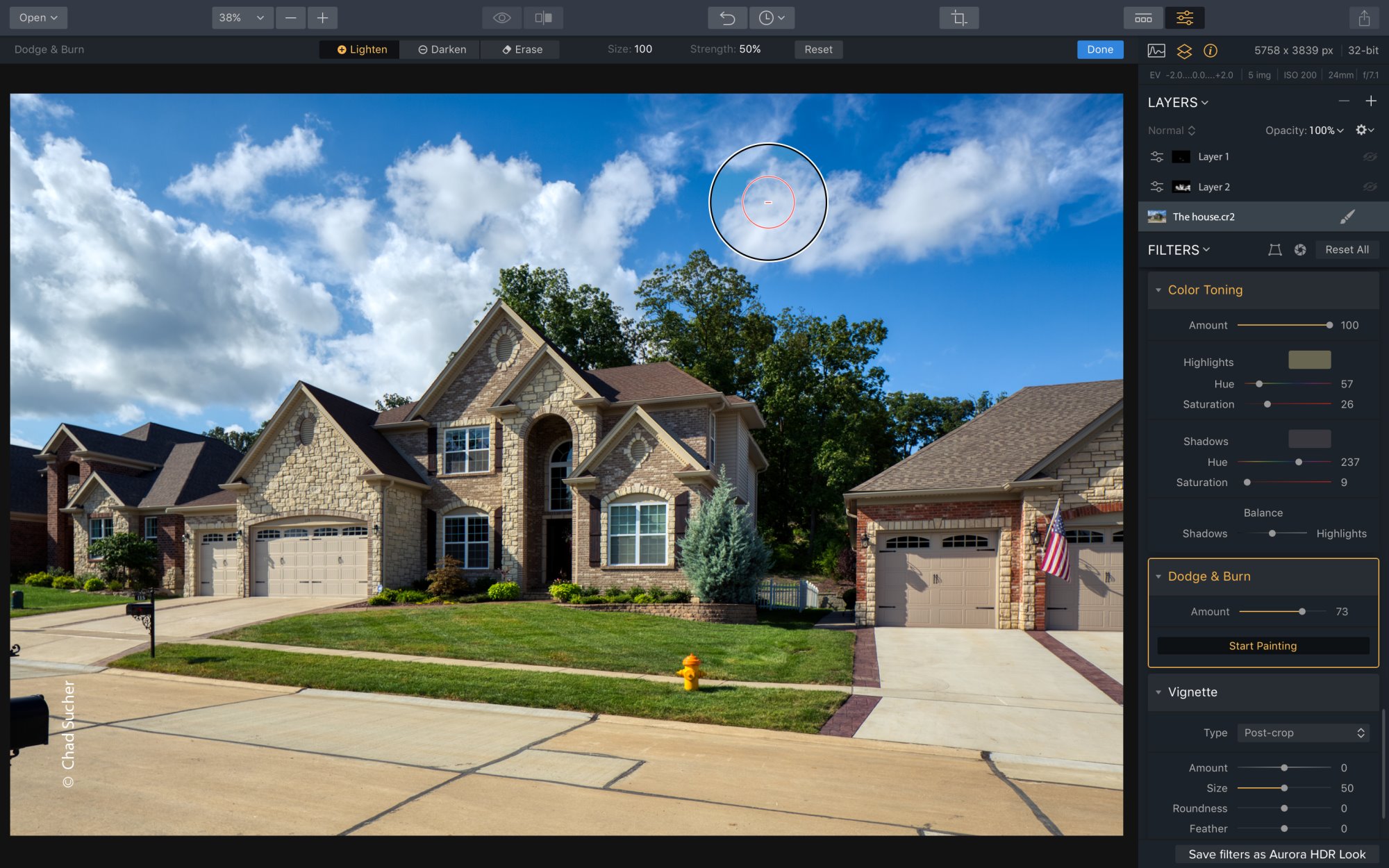
Besides the mentioned new features Skylum also modified and improved several filters that already existed in Aurora HDR 2018. For example, they added two more sliders for highlights and shadows to the built in “Adjustable Gradient filter” (called “Top & Bottom Tuning” in version 2018) which lets you edit the top and bottom parts of your image individually. Compared to version 2018 where you used to have only one slider for exposure these additional highlights and shadows sliders offer much more precision. From my point of view this is a highly appreciated improvement. The “Adjustable Gradient” filter is one of the tools I use with almost every HDR image I process and more precision is always a good thing in image editing.
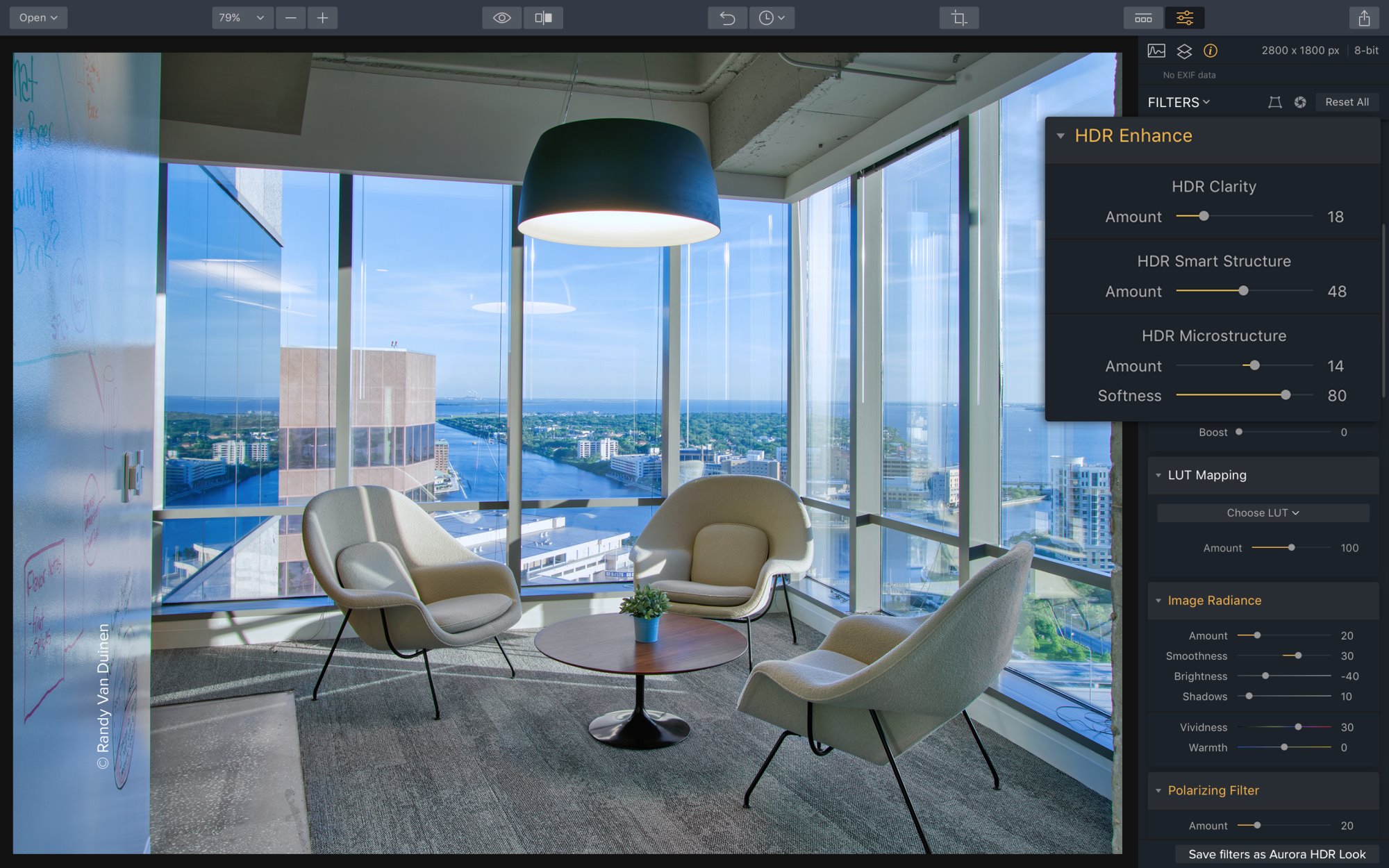
What’s more they also changed the “HDR Details Boost” filter (preview now in high-resolution) and the “HDR Structure” filter (now called “HDR Enhance”). The three sliders for Amount, Softness and Boost which were present in version 2018 have been replaced by a “HDR Clarity” and a “HDR Smart Structure” slider. At the same time they also removed another slider, the “HDR Enhance” slider which could be found in the “HDR Basic” filter in version 2018. If you ask me this was a good decision as it has simplified the process without sacrificing too much precision.
Last but not least we need to talk about responsiveness and saving. Unfortunately I can only talk about the Windows version but on my PC (Windows 10, 64 bit, ADM FX-8350 CPU, Geforce GTX 770, 32 GB of Ram, Samsung SSD for OS and programs) Aurora HDR 2018 was always a bit sluggish. This has definitely improved with version 2019. Almost all steps are instantly reflected in the preview and especially drawing masks is now much faster. The only thing that’s still painfully slow and desperately needs improvement is saving. You still have to select a file name every time you want to save your work. This is something I’ve never understood, why doesn’t Aurora HDR behave like any other software? Why hasn’t the software got two save options (“save as” and “save”) where one let’s you save under a new name and the other overwrites the existing file with the changes made so far? Please Skylum, it’s simply annoying and (at least as far as Windows is concerned) ignores common practice how other programs handle saving.
Conclusion
Now that we talked about all the major changes and improvements of Aurora HDR 2019 it’s time to draw a conclusion. Is version 2019 worth the upgrade price of 49 $ (pre-order special)? Yes, absolutely! The new HDR engine of Aurora HDR 2019 virtually turns the program into a completely new piece of software. The merged images just look so much more realistic (you could also say better) than with version 2018, it really is like day and night. Compared to the new HDR engine all the other tweaks and improvements of Aurora HDR 2019 (which are definitely a nice thing) almost seem insignificant. If you also take into consideration the increased general responsiveness of the application and it’s still unique layer based work flow (at least as far as HDR software is concerned) I could hardly think of any reasons why you wouldn’t want to upgrade to version 2019. And for all those who have ignored Aurora HDR so far because of its tendency to produce high contrast, colorful, HDR like images: Now is the time to give Aurora HDR 2019 another try. The new HDR engine is definitely a game changer.
Pre-order
If my review has awakened your interest in Aurora HDR 2019 there is currently a pre-order promotion in place which let’s you upgrade version 2018 at a reduced price of 49 $. And if you’re new to Aurora HDR you can get a full license at 89 $. Just follow this link to get your copy: https://macphun.evyy.net/c/1219809/513351/3255.